Hub Snapshot
Game Facts
Game Hub Navigation
Game hub tools
Play, Check, Save & Upgrade
Use this hub to move from Counter-Strike 2 into the most useful Primvo tools: PC compatibility, requirements, deals, upgrade planning, fixes, and server checks.
Compare your GPU, RAM, VRAM, storage, and setup against the available PC requirement data.
Open the minimum and recommended PC requirements before installing, buying, or upgrading.
Open recent patch notes, hotfixes, bug fixes, and version updates connected to this game hub.
Find current PC game deals and check which discounted games are a smarter fit for your setup.
Compare free, under-$5, under-$10, and value picks while keeping your PC profile in mind.
Get next-game ideas based on genre, platform, budget, hardware, and current Primvo deal paths.
See whether GPU, RAM, VRAM, or storage should be the first upgrade focus for smoother play.
Use Primvo tools when crashes, connection issues, install errors, or launcher problems get in the way.
Use the server status hub when login, matchmaking, store, or online-service problems appear.
See whether a wider outage, maintenance window, or live-service issue may explain current problems.
Open this when login, account recovery, suspicious links, or security steps may be part of the issue.
Save your interests so you can return to relevant game deal paths when new matches appear.
Follow useful deals, free games, updates, and tools from one visitor-friendly digest path.
Player paths
Counter-Strike 2 Player Hub
Jump from this game into PC checks, requirements, current deals, update tracking, error help, server checks, and next-game suggestions without losing the player context.
Player journey
Use this hub in the safest order
Start with fit and status checks, then move into fixes, updates, deals, and similar games when you know the basics are safe.
Check whether your PC can run it
Start with hardware fit before buying, downloading, or changing graphics settings.
Review requirements and online status
Confirm PC requirements and server status before assuming a local device or account problem.
Check fixes, outages, and patch notes
Use error-code help, recent outages, and patch notes before reinstalling or resetting account settings.
Compare deals and similar games
Move to deals, budget picks, and next-game ideas after you know the game fits your setup and platform.
Start with Counter-Strike 2
Compare current game key offers before you buy. Compare availability, price, and platform details before choosing where to play.
Can your PC run it?
Compare your GPU, CPU, RAM, VRAM, and storage before you install, buy, or upgrade.
System requirements preview
Use Primvo's requirements pages as a starting point while published specs are being completed.
Patch notes and hotfixes
Track recent updates, hotfixes, balance changes, bug fixes, and version notes connected to this game.
Find matching deals
Match current PC game deals with this game, your budget, and your hardware profile.
Plan smoother performance
Use upgrade guidance when GPU, RAM, VRAM, or storage may limit your experience.
Known fixes are ready
Use troubleshooting tools when crashes, connection errors, install issues, or online service problems appear.
Updates, guides, and next plays
Continue into related news, guides, similar games, deal alerts, and useful next-play paths.
Find the next game to play
Use Primvo's recommendation path when you want another game by budget, platform, hardware fit, or mood.
Counter-Strike 2
Counter-Strike 2 update hub with patch notes, PC requirements, deal paths, and player tools.
Continue Now
Preparing your next step...
Best Ways to Play, Save, or Upgrade
These paths are selected from the game platform, store, and genre signals. Use them to choose a buying, subscription, or upgrade route that fits how you play.
Official Links
Use official pages when you want store details, account information, updates, or publisher resources.
PRIMVO Verdict
Players who want a clear starting point for Counter-Strike 2, including updates, useful context, related guides, and the best next paths across Primvo.
Yes — this page is built to help you understand the game, explore related coverage, and move toward the most useful next step without wasting time.
Start with the overview, then continue into related stories, guides, similar games, or the recommended path shown on this page.
What to Do Next
Use these paths to keep exploring Counter-Strike 2 from the angle that matters most to you right now.
Available Features
Explore Topics
Quick player answer
Should you play Counter-Strike 2?
Counter-Strike 2 is best for players who want Game Updates gameplay on Linux, PC. Start by checking whether your setup can run it, then review current updates, server status, known fixes, similar games, and deal paths before you install, buy, or change account settings.
Game Updates players who want a clear hub for updates, requirements, deals, fixes, and similar games.
Use the PC check and requirements pages before buying or changing graphics settings.
Do not reinstall, reset account settings, or buy from an unfamiliar link before checking server status, known errors, and official pages.
Use the hub tools to check PC fit, requirements, server status, fixes, and similar games.
Safe first checks before you act
Overview
About Counter-Strike 2
Counter-Strike 2 is tracked by PRIMVO as part of the game updates hub. Use this page to follow recent updates, check PC requirements, compare deal options, and open the tools that help you decide whether to install, buy, or troubleshoot the game.
Can I run it?
Counter-Strike 2 System Requirements
Compare the available PC requirements with your setup before you install, buy, or upgrade. For smoother play, treat the recommended specs as the better target when they are available.
PC requirements are being checked
Full minimum and recommended PC specs are not listed for this game yet. Use the upgrade checklist below as a practical starting point, then confirm final details before buying or upgrading.
Target stable frame rates before visuals.
Check memory needs before heavy installs.
Fast storage can reduce long load times.
Compare GPUs, RAM, SSDs, laptops, monitors, and useful gaming accessories before choosing an upgrade.
Quick answers
Counter-Strike 2 FAQ
Where can I find Counter-Strike 2 updates?
Use the PRIMVO patch notes hub to follow recent updates, hotfixes, and player-facing changes for Counter-Strike 2.
Can I check if my PC can run Counter-Strike 2?
Open the PRIMVO compatibility tools from this game hub to compare listed PC requirements with your setup.
Recommended paths
Smart game paths
Move from this game hub into useful requirements, fixes, status checks, updates, deals, and related pages.
Can your PC run Counter-Strike 2?
Check PC fit before installing, buying, or planning an upgrade.
Counter-Strike 2 system requirements
Review minimum and recommended setup needs before changing hardware.
Can I Run It
Check whether a PC setup is a good fit for a game before installing, buying, or upgrading.
Counter-Strike 2 server status
Check status, login issues, matchmaking problems, and maintenance before local changes.
Counter-Strike 2 patch notes
Follow recent updates, hotfixes, and player-facing changes.
System Requirements
Compare minimum and recommended setup needs before changing hardware or installing a game.
Game Deal Match by Hardware
Match games and deals to a hardware profile before spending money.
Next Best Paths
Use the strongest routes to keep exploring related games, updates, guides, and sections.
Fresh coverage
Latest Updates
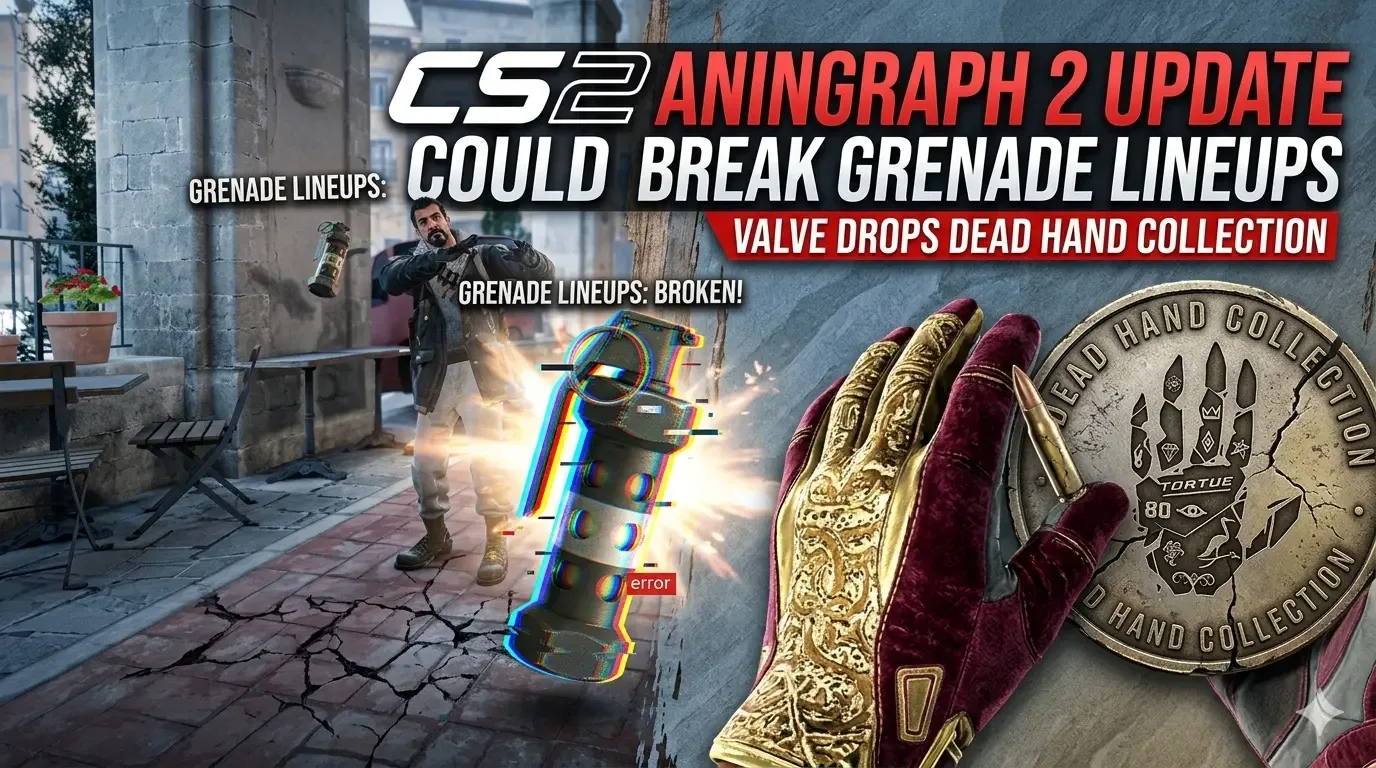
CS2 Animgraph 2 Update Could Break Grenade Lineups as Valve Drops Dead Hand Collection
Valve’s latest CS2 Animgraph 2 update reduces CPU and networking costs, changes how player height behaves on ramps, and could force players to relearn grenade lineups on sloped surfaces, while The Dead Hand Collection adds 17 new finishes and 22 neW gloves.

War Thunder Server Maintenance Notice (June 9th): What Players Should Check Before Changing Settings
War Thunder players may be affected by a fresh service update. Here is what to check first, what could be affected, and when to wait before changing settings.
Apex Legends Matchmaking Tests Update: What Players Should Check Before Changing Settings
Apex Legends players may be affected by a fresh service update. Here is what to check first, what could be affected, and when to wait before changing settings.
Learn faster