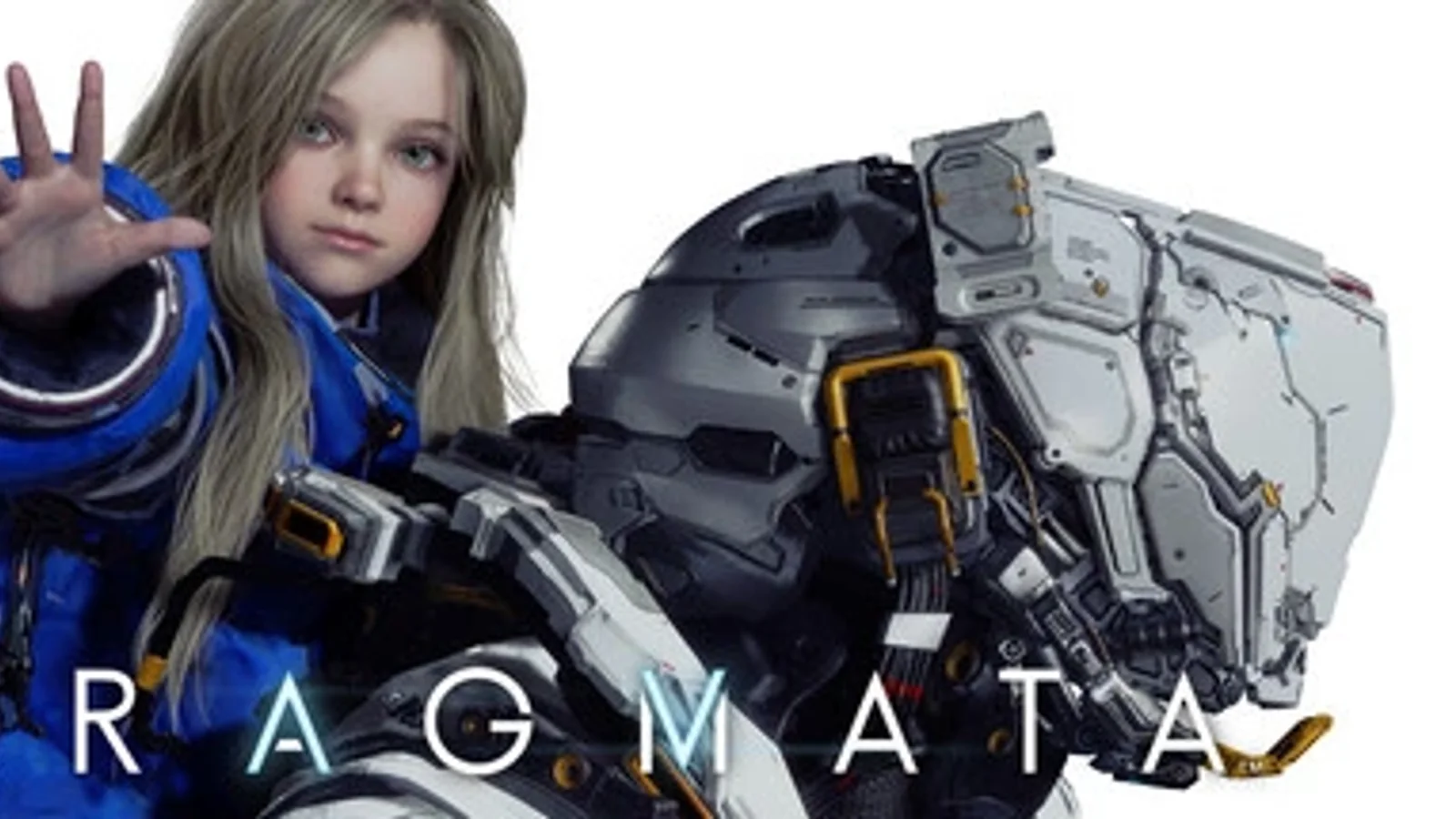
Best Pragmata PC Settings: How to Reduce Stutter and Get Smoother Performance
Trying to clean up Pragmata’s PC performance? Start with the settings that actually change frame pacing, lower the options that cost the most, and build a smoother setup before you push visuals too far.
Buying on Xbox Series X|S? Check the current Pragmata price here and see if this is the right time to jump in.
Start by getting Pragmata stable.
That is the real difference between a game that feels smooth in motion and one that keeps pulling you out of the experience with uneven frame pacing, heavy drops, or stutter during the wrong moments.
Start with one goal
Your first goal is not “max settings.”
Your first goal is a stable baseline.
Before changing a dozen options at once, build a setup that gives you a clean starting point:
- use your native display resolution first
- choose a reasonable preset instead of jumping straight to the highest one
- test one short gameplay section
- then adjust from there
The mistake most players make is changing everything at once and then having no idea which setting actually helped.
DLSS should be one of your first tests
If you have access to DLSS, this is one of the quickest places to start.
The reason is simple: it can give you breathing room without forcing an immediate visual collapse across the whole image. That makes it more useful as an early test than blindly cutting five different settings at once.
Start with the cleaner quality-focused option first.
If performance is still unstable after that, move down one step and test again.
Lower the settings that usually cost the most first
When Pragmata starts feeling heavy, do not immediately destroy the entire image.
Cut the expensive settings first.
In most cases, the smartest first targets are:
- reflections
- shadows
- volumetric effects
- extra post-processing load
- ray-tracing related overhead, if enabled
That gives you a faster path to smoother performance than dropping everything across the board.
Fix stutter before you chase higher FPS
A bigger number in the frame counter does not always mean the game feels better.
If Pragmata is hitching, pausing, or feeling uneven in motion, deal with the stutter first.
A smoother locked experience usually feels better than a higher but unstable one.
That means it can be smarter to:
- cap your frame rate at a level your system can actually hold
- avoid over-pushing settings that create sudden spikes
- restart the game after major graphics changes
- test in a repeatable section instead of guessing based on one random moment
A simple tuning order that works
If you want a clean way to approach the settings menu, use this order:
1) Set a baseline
Pick a sensible preset and test the game as-is.
2) Turn on your upscaling option
Use DLSS first if available and see how much room it creates.
3) Cut the expensive visual options
Go after reflections, shadows, and heavier effects before touching everything else.
4) Stabilize frame pacing
If performance still feels inconsistent, lower the ceiling you are aiming for and make the experience smoother instead of louder on paper.
5) Re-test the same section
Always compare in the same area so the result actually means something.
Best mindset for Pragmata on PC
Treat the settings menu like tuning, not panic.
Pragmata does not need a wild overreaction. It needs a cleaner process.
Build a stable image first. Use DLSS intelligently. Lower the settings that really matter. Then stop the moment the game feels good.
That is the point where optimization becomes useful instead of obsessive.
Final take
The best Pragmata PC settings are the ones that make the game feel controlled.
Not the ones that sound impressive.
If your current setup still feels rough, start with DLSS, cut the heavy settings first, and tune for consistency before anything else.
For launch details, platform info, and the main Pragmata page, continue to our full game page next.
Recommended paths
Recommended next steps
Continue with useful related pages selected for this article.
PC games hub
Start from the games library before choosing requirements, deals, updates, or similar games.
Pragmata Xbox Series X|S
Buying on Xbox Series X|S? Check the current Pragmata price here and see if this is the right time to jump in.
Steam sale tracker
Track Steam sale paths and compare them with nearby PC game deal options.
Lost Ark game hub
Continue into the RPG game hub for related coverage, deals, and fixes.
Steam free games
Check Steam free game opportunities and claimable PC game paths.
Check whether your PC is ready for Lost Ark
Compare your setup with available PC requirements before you install, buy, or upgrade.
Steam Deck vs gaming laptop
Compare portable PC gaming options before choosing a handheld, laptop, or setup upgrade.
Continue Exploring
Choose another useful Primvo section when you want more context, deals, guides, or game pages.
Error Code Checker
Look up connection, crash, launcher, console, and multiplayer error codes.
Server Status
Check common service issues before changing settings or reinstalling a game.
Gear
Explore setup picks and accessories that can improve comfort and stability.
Deals
Find current offers, bundles, and useful digital picks.
Related Games
View all games
Keep Reading
Open everything
Resident Evil Requiem DLC Is Almost Ready, But You Need to Finish the Story First
Resident Evil Requiem’s first DLC is close, with Capcom confirming the mini-game content is in final development and tied to main story completion.
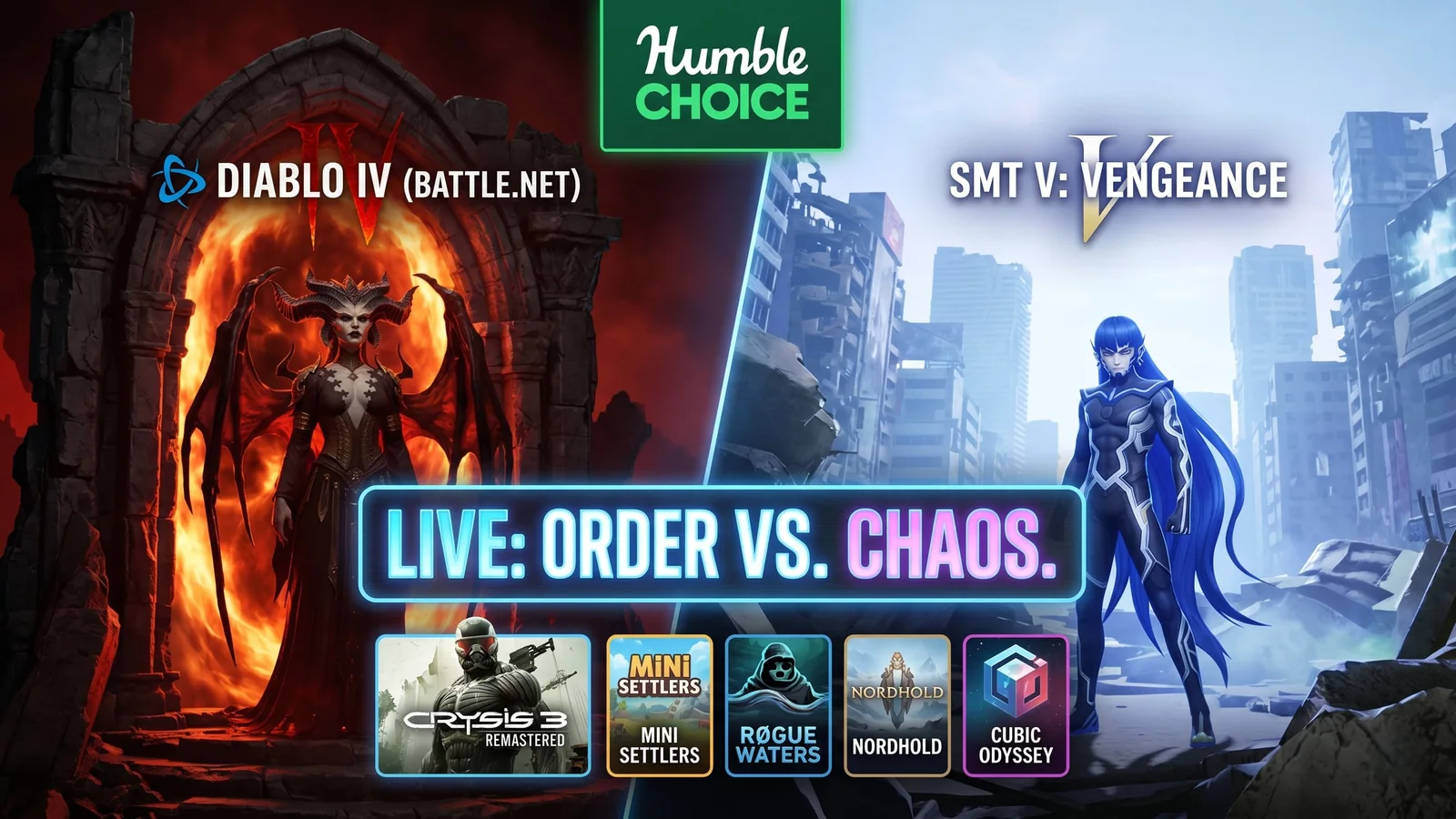
Humble Choice May 2026 Is Live With Diablo IV and SMT V
Humble Choice May 2026 is live with Diablo IV, Shin Megami Tensei V: Vengeance, Crysis 3 Remastered, and more. Here’s the full lineup, the key details, and whether this month is worth claiming.
War Thunder Server Maintenance Notice (June 9th): What Players Should Check Before Changing Settings
War Thunder players may be affected by a fresh service update. Here is what to check first, what could be affected, and when to wait before changing settings.
Apex Legends Matchmaking Tests Update: What Players Should Check Before Changing Settings
Apex Legends players may be affected by a fresh service update. Here is what to check first, what could be affected, and when to wait before changing settings.