How to Set Champion-Specific Keybinds in League of Legends (Patch 26.8)
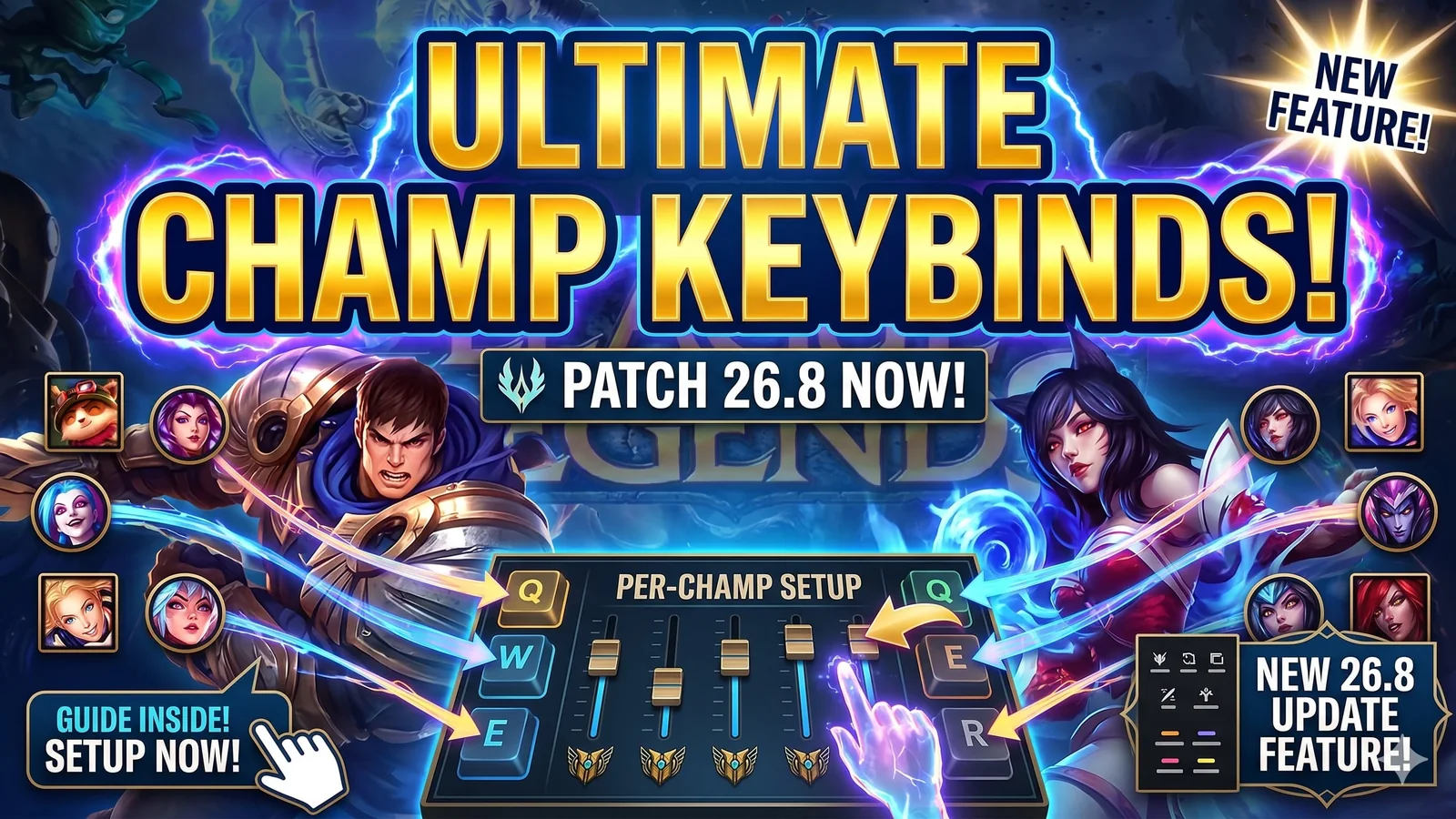
League of Legends Patch 26.8 adds champion-specific keybinds, giving players a cleaner way to set up different controls for different champions. Here’s how to set it up, when it works, and why it matters before you queue for Ranked.
Compact TKL keyboards for cleaner controls, faster input, and more comfortable League sessions.
What changed in Patch 26.8
League of Legends Patch 26.8 introduces champion-specific keybinds, giving players a more flexible way to tailor controls for individual champions instead of forcing one universal setup across every match.
That makes this one of the most practical quality-of-life features in the patch, especially for players who switch between champions with very different ability and input needs.
Why this matters
Not every champion feels right with the same control setup.
Some champions benefit from cleaner targeting habits, different cast preferences, or a more specific input layout that matches how their abilities are used. Until now, players who bounced between very different champions often had to keep adjusting settings manually or settle for a setup that was only partially comfortable.
Champion-specific keybinds help solve that problem by letting players prepare better before they queue.
The most important thing to know first
This feature has one important limitation:
You do not handle these changes in the middle of a normal Ranked match.
The setup flow matters here. If you want your champion-specific keybinds ready, the correct place to configure them is before competitive play, using the proper setup path.
That is why this guide matters. The feature is useful, but only if you know where to activate it and when to test it.
How to set champion-specific keybinds
Use this path:
- Open Practice Tool
- Select your champion
- Access Options
- Configure champion-specific overrides
- Test the setup before you queue
That is the cleanest way to handle the feature without creating confusion before a serious match.
Why Practice Tool matters
The reason Practice Tool matters is simple: this feature is about preparation, not panic-editing controls at the wrong moment.
If you wait until you are already committed to a real match, you are far more likely to end up with a setup that feels unfinished or uncomfortable. A short test session first gives you a much better result.
Which champions benefit most
This feature is especially useful for champions with more specific mechanical needs or different feel requirements.
Examples highlighted around this update include:
- Viktor
- Rumble
- Hwei
These are the kinds of champions where a more personalized input setup can feel noticeably better than a one-size-fits-all control layout.
Best way to use the feature
The smartest way to use champion-specific keybinds is not to rebuild everything at once.
Start simple:
- pick one champion you play often
- test one clean override setup
- compare how it feels in Practice Tool
- keep only the changes that clearly improve comfort or consistency
That gives you a more reliable setup than changing too many things at the same time.
What to avoid
A few mistakes can make this feature less useful than it should be:
- changing too many controls at once
- skipping the Practice Tool test
- assuming every champion needs a custom setup
- queuing before you are sure the override feels right
The best results usually come from small, deliberate changes.
Who this guide helps most
This guide is most useful for:
- players learning the Patch 26.8 control changes
- Ranked players who want cleaner pre-match setup
- players who rotate between very different champions
- anyone trying to make League controls feel more natural
Final take
Champion-specific keybinds are one of the most useful practical additions in League of Legends Patch 26.8 because they give players a cleaner way to prepare for different champions without forcing the same setup every time.
The biggest key is simple: set them up early, test them in Practice Tool, and queue only after the controls feel right.
Related paths
Recommended paths
Recommended next steps
Continue with useful related pages selected for this article.
League Setup Keyboard Pick
Compact TKL keyboards for cleaner controls, faster input, and more comfortable League sessions.
Lost Ark game hub
Continue into the RPG game hub for related coverage, deals, and fixes.
Lost Ark updates and patch notes
Use the patch notes hub to follow recent updates, hotfixes, and game changes.
Latest game updates
Follow recent patches, hotfixes, update notes, and player-facing changes.
Error Code Checker
Look up connection, launcher, anti-cheat, console, and multiplayer error fixes.
Check whether your PC is ready for Lost Ark
Compare your setup with available PC requirements before you install, buy, or upgrade.
War Thunder Server Maintenance Notice (June 9th): What Players Should Check Before Changing Settings
Continue with a related related selected from Primvo's connected coverage.
Continue Exploring
Choose another useful Primvo section when you want more context, deals, guides, or game pages.
Error Code Checker
Look up connection, crash, launcher, console, and multiplayer error codes.
Server Status
Check common service issues before changing settings or reinstalling a game.
Gear
Explore setup picks and accessories that can improve comfort and stability.
Deals
Find current offers, bundles, and useful digital picks.
Related Games
View all games
Keep Reading
Open everything
War Thunder Server Maintenance Notice (June 9th): What Players Should Check Before Changing Settings
War Thunder players may be affected by a fresh service update. Here is what to check first, what could be affected, and when to wait before changing settings.

Apex Legends Matchmaking Tests Update: What Players Should Check Before Changing Settings
Apex Legends players may be affected by a fresh service update. Here is what to check first, what could be affected, and when to wait before changing settings.