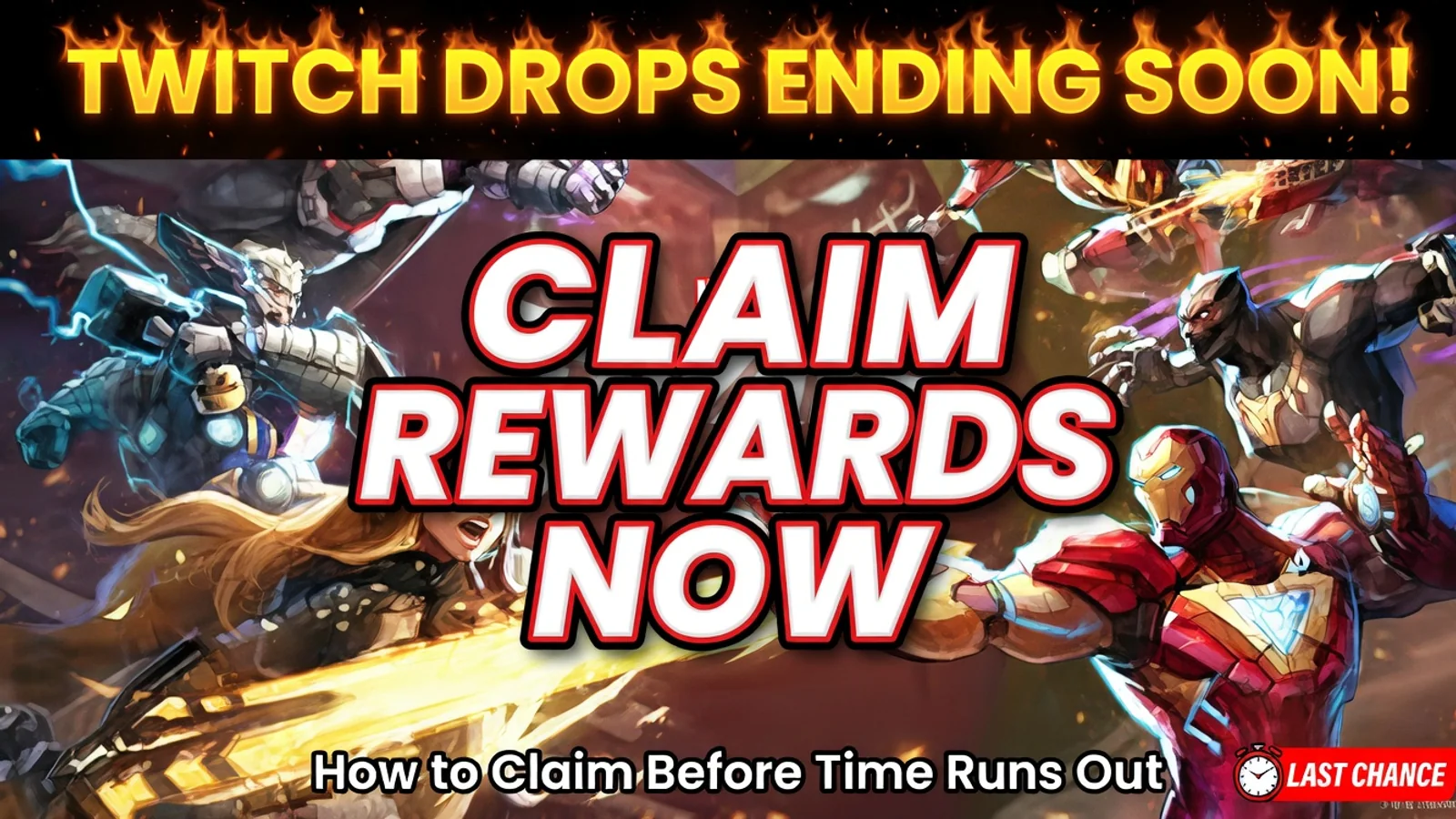
Marvel Rivals Twitch Drops Ending Soon: How to Claim Rewards Before Time Runs Out
Marvel Rivals Twitch Drops are ending soon, and players still have time to claim the current rewards. Here is the deadline, how to link your account, and the exact steps to collect everything before the event ends.
Marvel Rivals Twitch Drops are ending soon
Marvel Rivals players still have a limited window to claim the current Twitch Drops before the event ends. If you have not linked your account, started watching eligible streams, or claimed your rewards yet, this is the time to do it.
The most common mistake is waiting too long, then discovering that progress was never tracked correctly or that a reward was earned on Twitch but never claimed in time.
What rewards are included in the current Marvel Rivals Twitch Drops?
The current Season 7 Twitch Drops include the Scarlet Witch - Will of Galacta costume along with related bundle content.
That makes this one of the more valuable Twitch Drop windows for players who want exclusive cosmetics without needing to buy them directly. If you were planning to claim these rewards at some point, it is better to do it now rather than risk missing the deadline.
When do Marvel Rivals Twitch Drops end?
The current Marvel Rivals Twitch Drops period ends on April 17, 2026 at 09:00 UTC.
That means players who still have not finished their watch progress should not leave it for the last moment. Twitch Drop events often feel simple, but small mistakes near the deadline can still cost rewards.
How to claim Marvel Rivals Twitch Drops
The process is straightforward, but each step matters.
1. Link your Marvel Rivals account with your Twitch account
Before anything else, make sure your Marvel Rivals account is correctly connected to Twitch. If your accounts are not linked, watch time may not count toward your rewards.
2. Watch a participating Drops-enabled stream
You need to watch Marvel Rivals streams that have Drops enabled during the event period. If a stream is eligible, Twitch will normally show the Drops-enabled tag.
3. Track your progress in Twitch Drop Inventory
As you watch, your progress should appear in your Twitch Drop Inventory. This is the easiest place to confirm whether your watch time is counting correctly.
4. Claim the reward on Twitch
Earning the reward is not enough on its own. You still need to claim it manually through Twitch once the required progress is complete.
5. Check your in-game inbox
After claiming the reward on Twitch, head into Marvel Rivals and check your in-game inbox. That is where the reward should appear once the process is completed successfully.
Why players miss Twitch Drops
Most missed Twitch Drops happen for simple reasons:
- the account was never linked properly
- the player watched a stream without Drops enabled
- the reward was earned but never manually claimed on Twitch
- the player assumed progress was counting without checking inventory
- the in-game inbox reward was left unclaimed for too long
This is why it is worth checking every step instead of assuming everything is working automatically.
Can you earn progress faster by watching multiple channels?
No. Watching more than one channel at the same time does not help you earn drops faster.
Only one active channel counts toward Twitch Drop progress, so opening multiple streams at once will not multiply your progress. The better approach is to stay on one eligible stream and make sure your progress is actually being tracked.
What to do if your Marvel Rivals Twitch Drops are not showing up
If your reward does not appear, go through this checklist:
- confirm your Marvel Rivals account is linked to Twitch
- make sure you watched a participating Drops-enabled channel
- check your Twitch Drop Inventory for progress
- claim the reward manually on Twitch
- restart the game and check your in-game inbox again
If the reward still does not show up, the issue is usually tied to one of those steps rather than the drop event itself.
Don’t forget the in-game inbox deadline
Even after you claim your reward on Twitch, there is one more thing to remember: the in-game email does not stay there forever.
If your reward appears in the Marvel Rivals inbox, claim it promptly. Waiting too long can turn a completed Twitch Drop into a wasted reward.
Why this Twitch Drop is worth claiming
Not every reward window feels equally important, but a costume reward tied to Scarlet Witch is the kind of drop many players will want to secure while it is available.
For players who care about cosmetics, exclusivity, or simply making sure they do not miss free content, this is one of those deadlines worth handling early.
Final steps before the deadline
If you want to avoid losing the reward, do this now:
- link your accounts
- watch one eligible Marvel Rivals stream with Drops enabled
- check your Twitch Drop Inventory
- claim the reward on Twitch
- open Marvel Rivals and collect it from your inbox
That is the safest way to avoid missing the event while there is still time left.
FAQ
When do Marvel Rivals Twitch Drops end?
The current Twitch Drops period ends on April 17, 2026 at 09:00 UTC.
What reward is included in the current drops?
The current drops include the Scarlet Witch - Will of Galacta costume along with related bundle content.
Why is my Twitch Drop not showing up in Marvel Rivals?
The most common reasons are an unlinked account, watching a stream without Drops enabled, or forgetting to claim the reward on Twitch first.
Can I watch two streams at once to earn drops faster?
No. Only one active channel counts toward Twitch Drop progress.
Where do I collect my reward in the game?
After claiming it on Twitch, check your Marvel Rivals in-game inbox and collect it there.
Related paths
Recommended paths
Recommended next steps
Continue with useful related pages selected for this article.
Lost Ark game hub
Continue into the RPG game hub for related coverage, deals, and fixes.
Lost Ark updates and patch notes
Use the patch notes hub to follow recent updates, hotfixes, and game changes.
Latest game updates
Follow recent patches, hotfixes, update notes, and player-facing changes.
Error Code Checker
Look up connection, launcher, anti-cheat, console, and multiplayer error fixes.
Free Games Tracker
Track current free games, claim windows, and related next steps.
Check whether your PC is ready for Lost Ark
Compare your setup with available PC requirements before you install, buy, or upgrade.
Prime Monster Out Now: The Political Roguelike Drops on Steam
Continue with a related related selected from Primvo's connected coverage.
Continue Exploring
Choose another useful Primvo section when you want more context, deals, guides, or game pages.
Error Code Checker
Look up connection, crash, launcher, console, and multiplayer error codes.
Server Status
Check common service issues before changing settings or reinstalling a game.
Gear
Explore setup picks and accessories that can improve comfort and stability.
Deals
Find current offers, bundles, and useful digital picks.
Related Games
View all games
Keep Reading
Open everything
Prime Monster Out Now: The Political Roguelike Drops on Steam
Prime Monster has launched on Steam, giving strategy fans a strange new political roguelike where cards, scandals, monsters, and power plays decide who survives parliament.
War Thunder Server Maintenance Notice (June 9th): What Players Should Check Before Changing Settings
War Thunder players may be affected by a fresh service update. Here is what to check first, what could be affected, and when to wait before changing settings.
Apex Legends Matchmaking Tests Update: What Players Should Check Before Changing Settings
Apex Legends players may be affected by a fresh service update. Here is what to check first, what could be affected, and when to wait before changing settings.