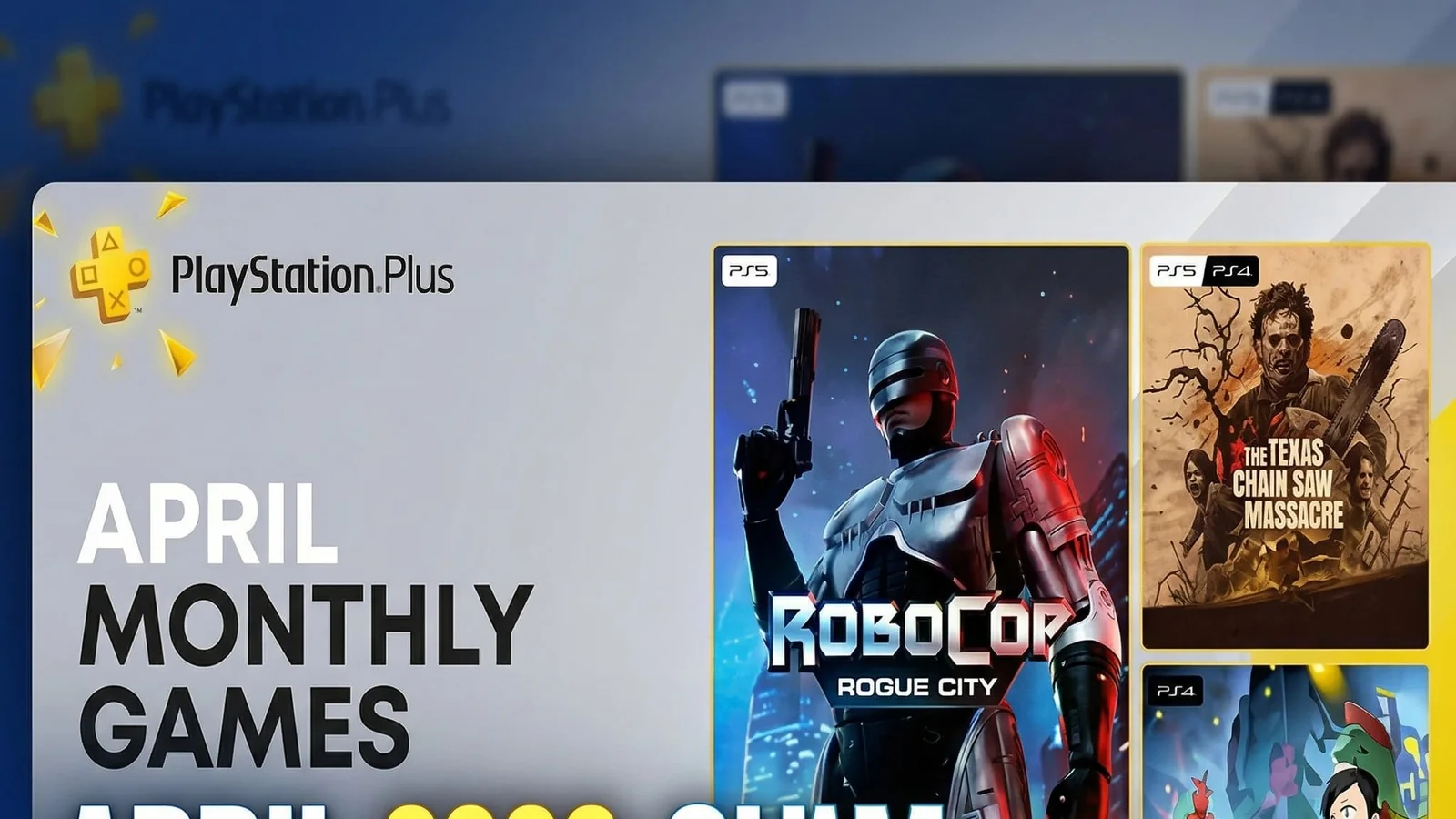
PS Plus April 2026 Free Games: Full List and How to Claim on PS5 and PS4
PS Plus April 2026 free games are now available, giving subscribers three titles to add to their library this month. Here is the full list, how to claim them on PS5 and PS4, and which game to start with first.
Explore live digital game offers and find better-value picks for your next PS4 or PS5 download.
PS Plus April 2026 free games are live now
PlayStation Plus members can now claim the April 2026 monthly games, and this month’s lineup gives subscribers a strong mix of dark fantasy action, classic adventure nostalgia, and anime co-op combat.
If you have not added them to your library yet, the smartest move is to do it early instead of waiting until the end of the month. Once the claim window closes, these monthly games are replaced by the next lineup.
Full PS Plus April 2026 free games list
The PlayStation Plus monthly games for April 2026 are:
- Lords of the Fallen
- Tomb Raider I-III Remastered
- Sword Art Online Fractured Daydream
All three are available to claim from April 7, 2026 until May 4, 2026.
Which PS Plus April game is the biggest headline?
For most players, Lords of the Fallen is the biggest draw in this lineup.
It is the strongest “headline game” of the month and the one most likely to grab players who want a larger, darker action RPG experience. If your main goal is to get the biggest game first, this is probably the first claim to lock in.
Tomb Raider I-III Remastered is the easiest nostalgia win
Tomb Raider I-III Remastered gives this month’s lineup a very different kind of value.
Instead of a modern live-service or combat-heavy multiplayer focus, this one offers a classic collection that works well for players who want something more relaxed, more nostalgic, or simply more historic. It is also one of the easiest games in the lineup to recommend to players who enjoy classic PlayStation-era adventure design.
If you like Lara Croft’s earlier adventures or want a collection with a more timeless feel, this may be the smartest pick after Lords of the Fallen.
Sword Art Online Fractured Daydream is the co-op option
For players who want something more social, Sword Art Online Fractured Daydream is the game to watch.
This is the lineup’s co-op-heavy pick, built around multiplayer action and team-based fights. That makes it a better choice for players who want a game to jump into with friends rather than a solo-first adventure.
It may not be the universal headline game of the month, but it gives the April lineup useful variety.
How to claim PS Plus April 2026 free games
Claiming the monthly games is simple:
- Make sure your PlayStation Plus membership is active.
- Open PlayStation Store on your PS5 or PS4.
- Go to the PlayStation Plus monthly games section.
- Select each April 2026 game.
- Add each one to your library before the claim window ends.
You can also claim them through the PlayStation app or the web store if you prefer not to do it directly from the console.
Do you keep PS Plus monthly games forever?
You keep access to the games as long as:
- you claimed them during the monthly window
- your PlayStation Plus subscription remains active
If your subscription ends, access to claimed monthly games is paused until the membership is active again.
That is why adding the games to your library matters even if you do not plan to download them immediately.
Which PS Plus April 2026 game should you play first?
The best order depends on what kind of player you are.
Start with Lords of the Fallen if:
- you want the biggest game in the lineup
- you like dark fantasy action RPGs
- you want the strongest headline title first
Start with Tomb Raider I-III Remastered if:
- you prefer classic single-player adventures
- you want a nostalgic collection
- you like exploring older landmark games on modern hardware
Start with Sword Art Online Fractured Daydream if:
- you want multiplayer or co-op action
- you prefer anime-style combat
- you want the most social option in the lineup
Why you should claim all three even if you only want one
A lot of players make the mistake of claiming only the one game they plan to play right away.
That is usually the wrong move.
If a monthly game looks even slightly interesting, it is better to add it to your library while it is free through PlayStation Plus. You may not want it today, but that can change later, and there is no reason to lose access just because you skipped one extra click.
Is April 2026 a good PS Plus month?
Yes, especially because the lineup feels balanced.
This month includes:
- one larger action RPG
- one classic remastered collection
- one multiplayer anime action game
That gives the month a broader appeal than lineups that lean too hard into one genre only.
Final reminder before the deadline
If you want the April games, do not leave them unclaimed until the final day.
The best move is simple:
- add all three games to your library now
- decide later what to download first
- keep the lineup secured before it rotates out
That way you do not lose access to a game you might want a few weeks or months from now.
FAQ
What are the PS Plus April 2026 free games?
The April 2026 PS Plus monthly games are Lords of the Fallen, Tomb Raider I-III Remastered, and Sword Art Online Fractured Daydream.
When do PS Plus April 2026 games leave?
They are available to claim until May 4, 2026.
Can I claim PS Plus monthly games on PS5 and PS4?
Yes. You can claim them through your console, the PlayStation app, or the web store.
Do I keep the games after claiming them?
Yes, as long as you claimed them during the monthly window and your PlayStation Plus subscription remains active.
Which game should I play first?
For most players, Lords of the Fallen is the headline game. Tomb Raider I-III Remastered is great for classic adventure fans, while Sword Art Online Fractured Daydream is the better co-op pick.
Related paths
Recommended paths
Recommended next steps
Continue with useful related pages selected for this article.
Top PS4 and PS5 Game Discounts
Explore live digital game offers and find better-value picks for your next PS4 or PS5 download.
Halo Campaign Evolved game hub
Continue into the Shooter game hub for related coverage, deals, and fixes.
Gaming subscriptions hub
Compare new additions, leaving-soon games, and useful subscription paths.
Error Code Checker
Look up connection, launcher, anti-cheat, console, and multiplayer error fixes.
Free Games Tracker
Track current free games, claim windows, and related next steps.
Check whether your PC is ready for Halo Campaign Evolved
Compare your setup with available PC requirements before you install, buy, or upgrade.
War Thunder Server Maintenance Notice (June 9th): What Players Should Check Before Changing Settings
Continue with a related related selected from Primvo's connected coverage.
Continue Exploring
Choose another useful Primvo section when you want more context, deals, guides, or game pages.
Error Code Checker
Look up connection, crash, launcher, console, and multiplayer error codes.
Server Status
Check common service issues before changing settings or reinstalling a game.
Gear
Explore setup picks and accessories that can improve comfort and stability.
Deals
Find current offers, bundles, and useful digital picks.
Related Games
View all games
Halo Campaign Evolved
Halo Campaign Evolved is an upcoming game tracked for 28 Jul 2026, with PC, PlayStation 5, Xbox Series S/X availability signals and useful launch-day next steps.
Lost Ark
Lost Ark update hub with patch notes, PC requirements, deal paths, and player tools.

Scuttle
Scuttle is an upcoming game tracked for 29 Jul 2026, with PC (Microsoft Windows) availability signals and useful launch-day next steps.
Lunarium
Lunarium is an upcoming game tracked for 29 Jul 2026, with PC (Microsoft Windows) availability signals and useful launch-day next steps.
Keep Reading
Open everything
War Thunder Server Maintenance Notice (June 9th): What Players Should Check Before Changing Settings
War Thunder players may be affected by a fresh service update. Here is what to check first, what could be affected, and when to wait before changing settings.
Apex Legends Matchmaking Tests Update: What Players Should Check Before Changing Settings
Apex Legends players may be affected by a fresh service update. Here is what to check first, what could be affected, and when to wait before changing settings.