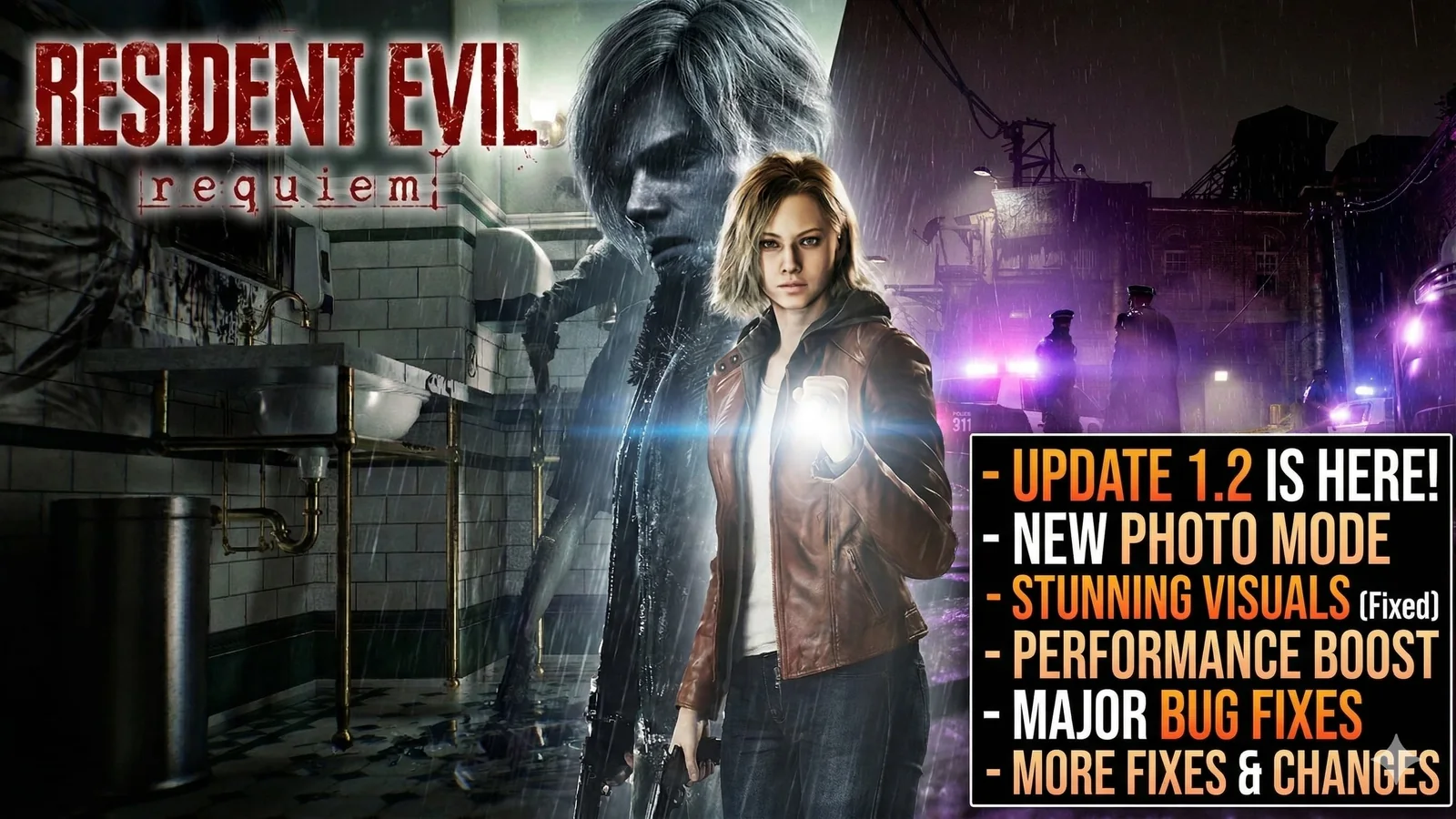
Resident Evil Requiem Update 1.2 Patch Notes: Photo Mode, Performance Fixes, and More
Resident Evil Requiem’s latest update adds Photo Mode and rolls out several fixes, including gameplay improvements, progression fixes, and PC-specific crash and visual bug fixes. Here is what changed.
Find lower prices on popular digital games and grab the best offers before they change.
Resident Evil Requiem update 1.2 is here
Resident Evil Requiem’s latest update gives players one of the most requested additions so far: Photo Mode. On top of that, the patch also brings a set of gameplay and technical fixes that should make the experience smoother, especially for players who ran into progression issues or stability problems.
For anyone jumping back in, this is the kind of update worth checking before loading a save and continuing a playthrough.
Photo Mode is the headline feature
The biggest addition in the update is Photo Mode, which can be accessed from the pause menu. That alone makes this patch more than a routine hotfix, because it adds a new way to interact with the game beyond simple bug fixes.
For players who enjoy Resident Evil Requiem’s atmosphere, environments, and character moments, Photo Mode gives a clear reason to revisit key scenes and capture better screenshots.
What the update fixes
The patch also addresses a progression bug that could make it impossible to move forward under certain conditions. That is one of the most important fixes in the update because issues like that can directly affect a full playthrough.
Capcom also rolled out:
- general gameplay fixes
- typographical corrections in some languages
- adjusted character expressions in some cutscenes
- PC-specific fixes for certain crash situations
- PC-specific fixes for visual bugs linked to some GPU drivers
For players who were waiting for a more stable version before continuing, this update is a meaningful improvement.
Why the progression fix matters
A progression-blocking issue is always more serious than a small visual problem because it can stop players from continuing normally. If you were affected by a section that would not advance properly, this patch is the first thing to install before trying again.
That makes this update especially important for players who paused their run after hitting a frustrating blocker.
Character expression changes could be more noticeable than expected
One of the more unusual patch note entries is the adjustment to character expressions in some cutscenes. This is the kind of change that may sound minor at first, but in a horror game built around tension, mood, and emotional delivery, even small facial tweaks can affect how scenes land.
Players replaying certain moments may notice a slightly better emotional read in key story beats.
PC players get the most technical value here
If you are playing on PC, this update is doing more than adding Photo Mode. It also targets crash situations and visual bugs tied to some GPU drivers, which makes it a more important patch for stability than it may appear at first glance.
Players who noticed strange visual behavior or occasional crashes should test the game again after updating, especially if those issues appeared after a driver change or on a specific hardware setup.
Should you update immediately?
Yes. This is the kind of patch that is worth installing right away.
Even if you do not care about Photo Mode, the progression fix alone makes the update important. Add in the gameplay improvements, localization corrections, and PC stability fixes, and there is very little reason to stay on an older version.
Full patch highlights
Here is the quick version of what changed in Resident Evil Requiem’s latest update:
- Photo Mode added
- accessible from the pause menu
- fixed a progression issue under certain conditions
- corrected some typographical errors in supported languages
- adjusted character expressions in some cutscenes
- fixed a number of gameplay issues
- fixed some GPU-related visual bugs on PC
- fixed some crash situations on PC
Is Photo Mode enough to bring players back?
For some players, yes.
Resident Evil Requiem already has the kind of visual style that benefits from Photo Mode, so this addition gives exploration and replay value a small boost. It is not a major content expansion, but it is a strong quality-of-life addition in a game where atmosphere matters a lot.
Combined with the fixes, it makes this update a good reason to return if you stepped away for technical reasons or simply wanted a better excuse to revisit the game.
FAQ
What does the latest Resident Evil Requiem update add?
The biggest new feature is Photo Mode, which is available from the pause menu.
Does the update fix progression issues?
Yes. The patch fixes a bug that could stop progress under certain conditions.
What changed for PC players?
PC players get fixes for some crash situations and some visual bugs connected to certain GPU drivers.
Are there gameplay fixes too?
Yes. The update also includes general gameplay fixes, localization corrections, and some cutscene expression adjustments.
Related paths
Recommended paths
Recommended next steps
Continue with useful related pages selected for this article.
Top Discounted Game Deals
Find lower prices on popular digital games and grab the best offers before they change.
Lost Ark game hub
Continue into the RPG game hub for related coverage, deals, and fixes.
Check whether your PC is ready for Lost Ark
Compare your setup with available PC requirements before you install, buy, or upgrade.
Lost Ark updates and patch notes
Use the patch notes hub to follow recent updates, hotfixes, and game changes.
Steam Deck vs gaming laptop
Compare portable PC gaming options before choosing a handheld, laptop, or setup upgrade.
RTX 3060 vs RTX 4060 for gaming
Compare game fit, features, power efficiency, and total upgrade cost before changing GPUs.
8GB vs 16GB RAM for gaming
Compare memory headroom, background apps, mods, and target-game requirements.
Continue Exploring
Choose another useful Primvo section when you want more context, deals, guides, or game pages.
Error Code Checker
Look up connection, crash, launcher, console, and multiplayer error codes.
Server Status
Check common service issues before changing settings or reinstalling a game.
Gear
Explore setup picks and accessories that can improve comfort and stability.
Deals
Find current offers, bundles, and useful digital picks.
Related Games
View all games
Keep Reading
Open everything
Resident Evil Requiem DLC Is Almost Ready, But You Need to Finish the Story First
Resident Evil Requiem’s first DLC is close, with Capcom confirming the mini-game content is in final development and tied to main story completion.
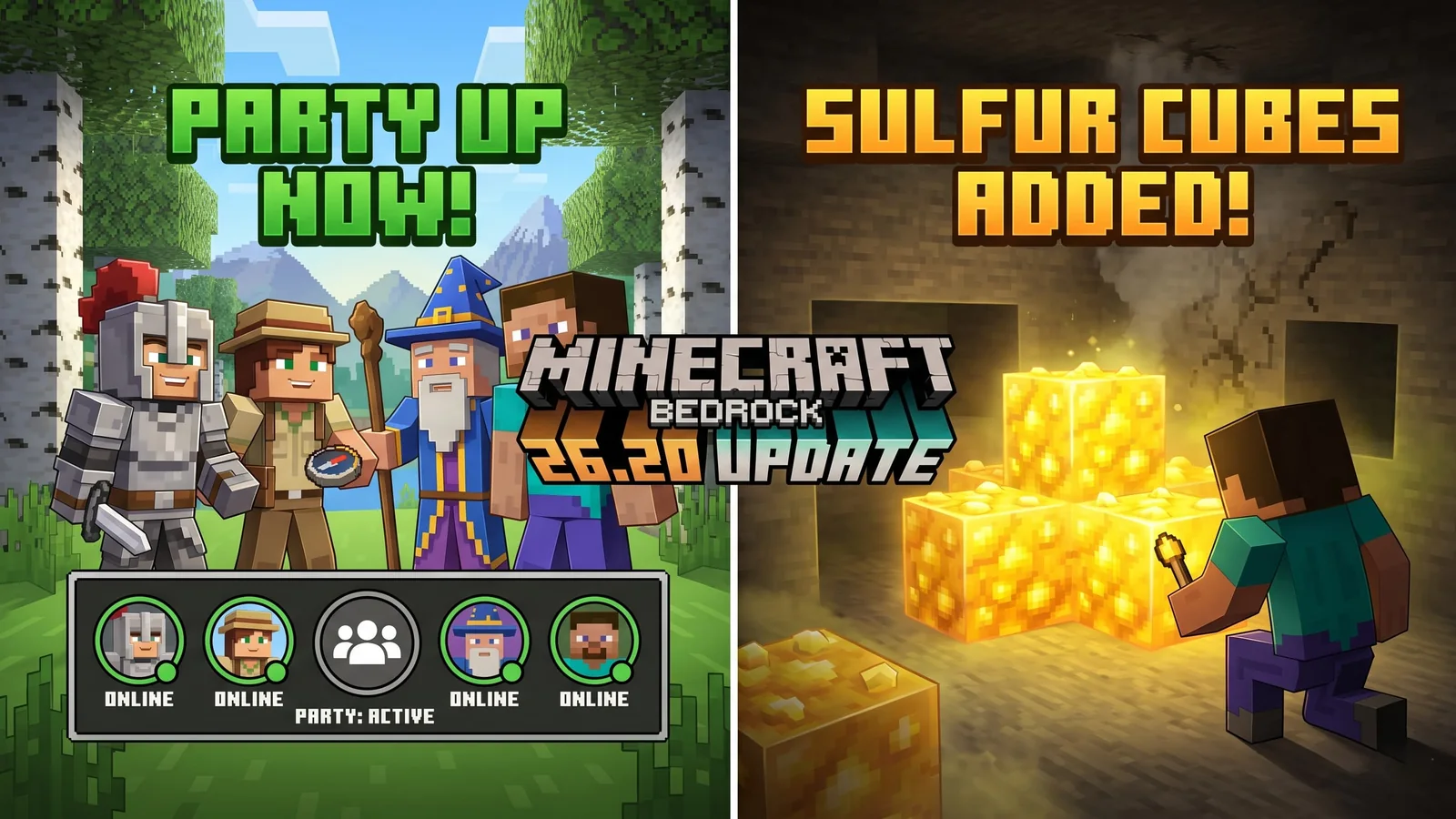
Minecraft Bedrock 26.20 Update Adds Sulfur Cubes and Party System
Minecraft Bedrock 26.20 is live with Chaos Cubed experimental features, including Sulfur Cubes, Sulfur Springs, Potent Sulfur, Sulfur Caves, the new Party System beta, and Realm Hub changes.
War Thunder Server Maintenance Notice (June 9th): What Players Should Check Before Changing Settings
War Thunder players may be affected by a fresh service update. Here is what to check first, what could be affected, and when to wait before changing settings.
Apex Legends Matchmaking Tests Update: What Players Should Check Before Changing Settings
Apex Legends players may be affected by a fresh service update. Here is what to check first, what could be affected, and when to wait before changing settings.