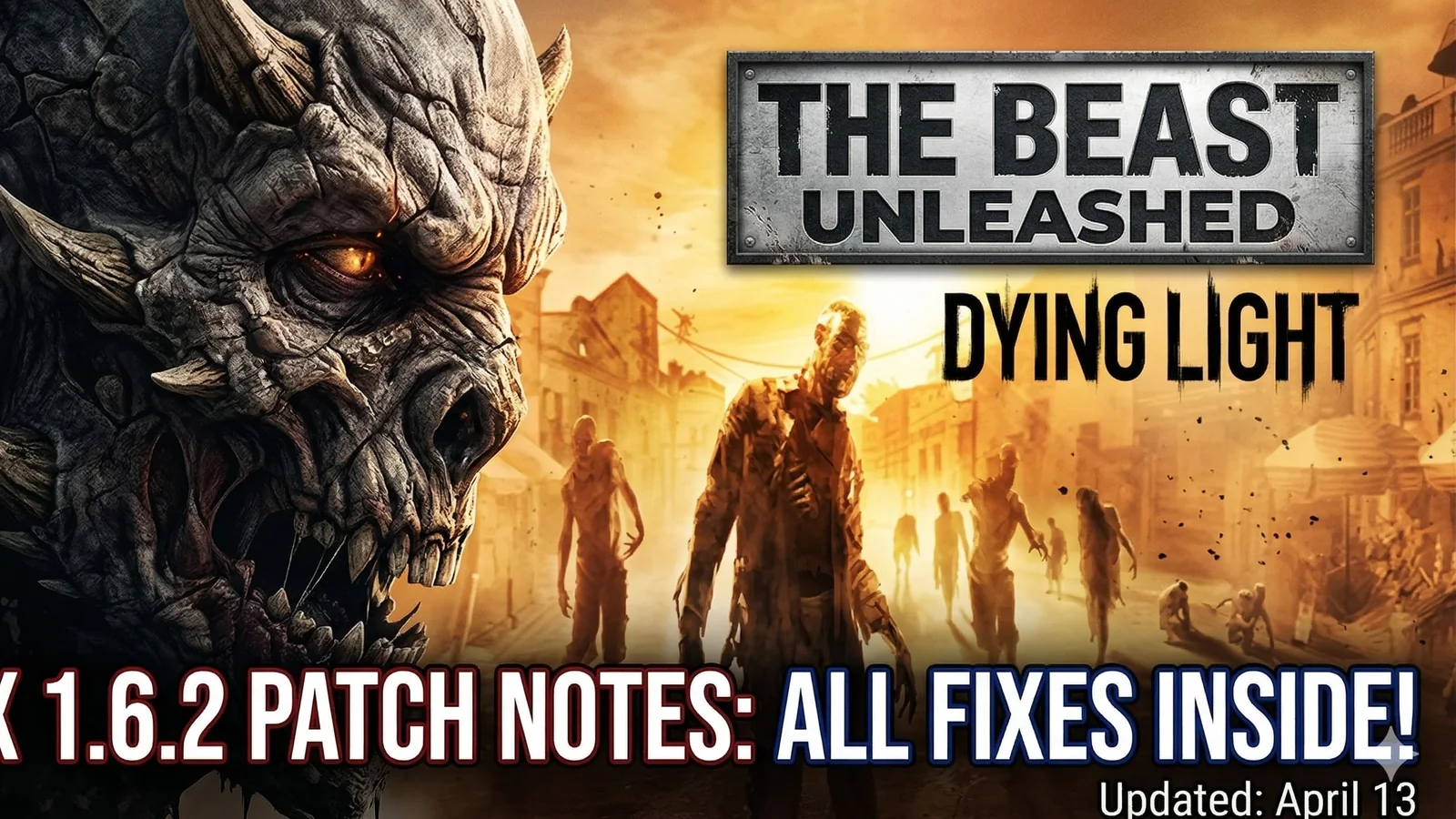
Dying Light: The Beast Hotfix 1.6.2 Patch Notes – All Fixes and Changes (April 13)
Dying Light: The Beast Hotfix 1.6.2 is now live, bringing bug fixes, Safe Zone vendor changes, Restored Land stability improvements, and several quality-of-life tweaks. Here is everything that changed.
Updated 74 days ago. Look for platform coverage, update timing, gameplay changes, fixes, and known issues.
Compare live digital game offers and grab a better price before the best deals change.
Dying Light: The Beast Hotfix 1.6.2 is live
Dying Light: The Beast has received Hotfix 1.6.2, and this update focuses on stability, quality-of-life improvements, and several Restored Land fixes that should make the game feel smoother in day-to-day play.
For players who ran into crashes, strange respawn behavior, leaderboard issues, or small but annoying usability problems, this is the kind of patch worth installing right away.
What changed in Hotfix 1.6.2?
The update brings a mix of gameplay fixes and convenience improvements rather than one single headline feature. Some of the most noticeable changes affect Restored Land directly, while others improve navigation, progression comfort, and general reliability.
One of the more useful fixes is the addition of vendors after unlocking the Safe Zones near the estacade, school, and stonehenge. That gives players easier access to supplies during longer runs and makes those locations more useful once secured.
Restored Land gets important fixes
Restored Land is one of the biggest focuses of this hotfix.
The update fixes a potential crash during start or load, which is one of the most important improvements in the entire patch. If you were dealing with instability while trying to continue a run, this is the first thing worth testing after updating.
The patch also adjusts several encounter-related behaviors in Restored Land:
- enemies will respawn during convoy clearance if all doors have not been opened
- infected are less likely to respawn in certain places
- multiple enemy respawn problems around Hidden Stashes have been fixed
- some enemies that could become unresponsive during encounters should now behave properly
Together, these changes should make runs feel more consistent and less frustrating.
Loot, map, and search improvements
Some of the best patch changes are the ones that reduce friction during normal play.
Hotfix 1.6.2 slightly increases the distance before uncollected loot dropped by enemies disappears permanently, which gives players a bit more breathing room during hectic fights and looting.
The patch also fixes a delay when opening the map and restores a missing search prompt on dead bodies that fell into certain bushes. These are smaller changes on paper, but they can have a real effect on how smooth the game feels over time.
Leaderboards and progression quality-of-life changes
Techland also cleaned up a few issues around progression and menus.
Leaderboards should now behave better, with the patch fixing infinite refresh problems caused by switching pages too often. The Top of Leaderboard button should also appear across all leaderboards now, making navigation more reliable.
Elsewhere, additional food will now be present in the Power Gambit quest, and the weapon modding tutorial will correctly appear in the Tutorials List after it has been unlocked.
These are not flashy changes, but they make the overall experience feel more polished.
DLC weapon scaling and text fixes
Another useful change in the patch is improved scaling for DLC bundle weapons. Their levels will now scale with Legendary Levels, which should make those items feel more appropriate for late-game players.
The update also fixes some text overlap in certain languages, which is a smaller but welcome cleanup for readability.
Full patch highlights
Here is the quick version of what Hotfix 1.6.2 changes:
- vendors now appear after unlocking the Safe Zones near the estacade, school, and stonehenge
- fixed a potential Restored Land crash on start or load
- convoy enemies will respawn if all doors were not opened
- increased the distance before dropped loot disappears forever
- fixed delay when opening the map
- restored the search prompt on some bodies in bushes
- reduced infected respawns in certain Restored Land areas
- fixed leaderboard refresh issues
- Top of Leaderboard button now appears on all leaderboards
- added extra food to the Power Gambit quest
- weapon modding tutorial now appears in the Tutorials List after unlock
- DLC weapon levels now scale with Legendary Levels
- fixed some enemy respawns around Hidden Stashes
- fixed some enemies becoming unresponsive during encounters
- fixed text overlap in some languages
Should you update now?
Yes. This is not a patch to ignore.
Even if you were not affected by every issue listed above, the crash fix, encounter improvements, map responsiveness, and general Restored Land cleanup make this a practical update for almost everyone still playing.
For returning players, it also makes this a better moment to jump back in and see how the game feels after a fresh round of fixes.
FAQ
What is in Dying Light: The Beast Hotfix 1.6.2?
The patch includes Restored Land crash fixes, Safe Zone vendor additions, respawn adjustments, leaderboard fixes, loot improvements, and several quality-of-life changes.
Does Hotfix 1.6.2 fix crashes?
Yes. The update specifically fixes a potential crash on Restored Land start or load.
What changed in Restored Land?
The patch improves stability, adjusts enemy respawns, fixes some encounter issues, and makes several small improvements that should reduce frustration during runs.
Do DLC weapons scale better now?
Yes. DLC bundle weapon levels now scale with Legendary Levels.
Related paths
- More Dying Light coverage
- Latest gaming news
- Latest gaming guides
Recommended paths
Recommended next steps
Continue with useful related pages selected for this article.
Featured Digital Game Deals
Compare live digital game offers and grab a better price before the best deals change.
Lost Ark game hub
Continue into the RPG game hub for related coverage, deals, and fixes.
Lost Ark updates and patch notes
Use the patch notes hub to follow recent updates, hotfixes, and game changes.
Latest game updates
Follow recent patches, hotfixes, update notes, and player-facing changes.
War Thunder Server Maintenance Notice (June 9th): What Players Should Check Before Changing Settings
Continue with a related related selected from Primvo's connected coverage.
Apex Legends Matchmaking Tests Update: What Players Should Check Before Changing Settings
Continue with a related related selected from Primvo's connected coverage.
Check whether your PC is ready for Lost Ark
Compare your setup with available PC requirements before you install, buy, or upgrade.
Continue Exploring
Choose another useful Primvo section when you want more context, deals, guides, or game pages.
Error Code Checker
Look up connection, crash, launcher, console, and multiplayer error codes.
Server Status
Check common service issues before changing settings or reinstalling a game.
dying light the beast
Continue through related games and connected player pages.
Guides
Keep reading with useful walkthroughs, settings help, and fixes.
Related Games
View all games
Keep Reading
Open everything
Minecraft Bedrock 26.20 Update Adds Sulfur Cubes and Party System
Minecraft Bedrock 26.20 is live with Chaos Cubed experimental features, including Sulfur Cubes, Sulfur Springs, Potent Sulfur, Sulfur Caves, the new Party System beta, and Realm Hub changes.
War Thunder Server Maintenance Notice (June 9th): What Players Should Check Before Changing Settings
War Thunder players may be affected by a fresh service update. Here is what to check first, what could be affected, and when to wait before changing settings.
Apex Legends Matchmaking Tests Update: What Players Should Check Before Changing Settings
Apex Legends players may be affected by a fresh service update. Here is what to check first, what could be affected, and when to wait before changing settings.