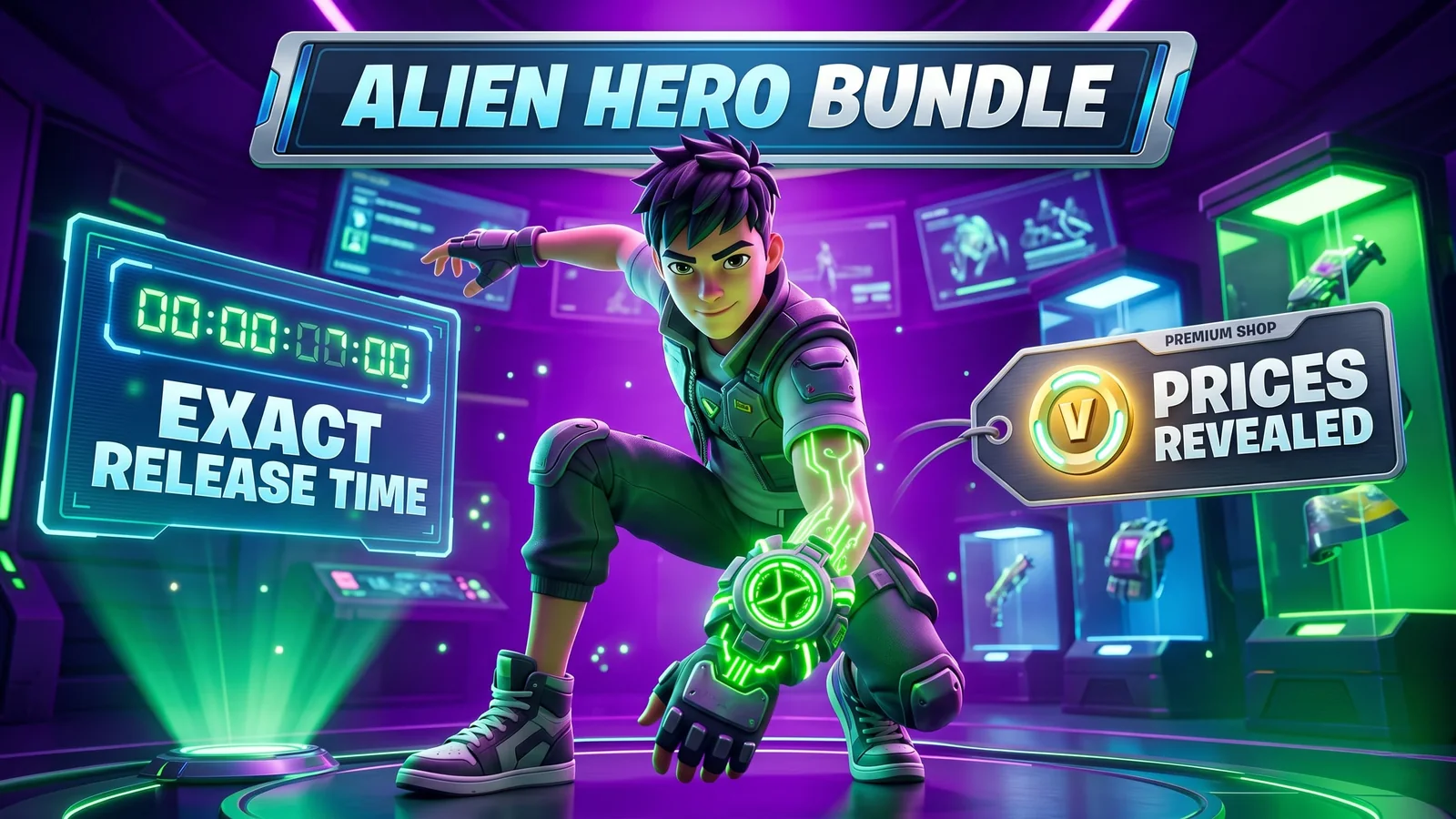
Fortnite Ben 10 Bundle: Exact Release Time and V-Bucks Prices Revealed
The Fortnite x Ben 10 bundle is expected to hit the Item Shop tonight, with Ben Tennyson, Gwen Tennyson, Omnitrix-themed items, and leaked V-Bucks prices giving players a clear idea of how much to prepare.
Updated 139 days ago. Server notices can affect logins, matchmaking, downloads, store access, and party systems.
Browse today’s strongest PC game deals, bundles, and quick value picks in one place.
The Fortnite x Ben 10 crossover is almost here, and players are already checking how many V-Bucks they need before the next Item Shop reset.
The collaboration is expected to arrive in the Fortnite Item Shop on April 24 at 8 PM ET, bringing Ben Tennyson, Gwen Tennyson, Omnitrix-themed cosmetics, back blings, pickaxes, a wrap, and a full bundle option.
The biggest question right now is simple: how much will the Fortnite Ben 10 bundle cost?
Based on the latest reported shop details, the full Ben 10 bundle is expected to land around 2,800 to 3,000 V-Bucks, while individual outfits are expected to cost around 1,500 V-Bucks each.
Final prices can still change when Epic updates the live Item Shop, but the current pricing leak gives players a strong idea of what to prepare.
Fortnite Ben 10 release time
The Fortnite Ben 10 cosmetics are expected to arrive with the Item Shop reset on:
April 24, 2026 — 8 PM ET
That means the release time should be:
- 5 PM PT
- 8 PM ET
- 1 AM UK time
- 1 AM Morocco time
- 2 AM Central Europe time
If the drop follows the usual Fortnite Item Shop cycle, players should be able to find the Ben 10 cosmetics directly inside the featured shop section after reset.
Fortnite Ben 10 bundle expected price
The full Ben 10 bundle is currently expected to cost around:
2,800 to 3,000 V-Bucks
That price range would make sense for a crossover bundle that includes multiple outfits and matching cosmetics.
The bundle is expected to include a mix of:
- Ben Tennyson outfit
- Gwen Tennyson outfit
- Back blings
- Pickaxes
- Weapon wrap
- Kicks
- Possible bundle-only discount
If you want everything from the collaboration, the bundle will likely be the best value compared to buying every item separately.
Expected individual Ben 10 item prices
Here is the current expected V-Bucks breakdown:
| Item | Expected Price |
|---|---|
| Ben Tennyson Outfit | 1,500 V-Bucks |
| Gwen Tennyson Outfit | 1,500 V-Bucks |
| Azmuth Back Bling | 400 V-Bucks |
| Gwen’s Grimoire Back Bling | 400 V-Bucks |
| Omnitrix Pickaxe | 800 V-Bucks |
| Mana Orbs Pickaxe | 800 V-Bucks |
| Omnitrix Upgrade Wrap | 500 V-Bucks |
| Wildmutt Chompers Kicks | 800 to 1,000 V-Bucks |
| Full Ben 10 Bundle | 2,800 to 3,000 V-Bucks |
These prices should be treated as expected shop pricing until the cosmetics appear in-game. Fortnite cosmetic prices can change before the final Item Shop listing goes live.
Should you buy the bundle or individual skins?
If you only care about one character, buying a single outfit may be the better choice.
But if you want both Ben and Gwen, plus the Omnitrix-themed extras, the bundle will likely be the smarter option.
For most players, the decision comes down to this:
- Buy Ben Tennyson only if you just want the main crossover skin.
- Buy Gwen Tennyson only if you prefer her design or style.
- Buy the full bundle if you want both outfits and matching cosmetics.
- Wait for the live shop if you want to confirm the final price first.
The bundle will probably offer a discount compared to buying everything separately, which is how Fortnite usually handles larger collaboration drops.
Why this crossover is getting attention
Ben 10 is one of the most recognizable animated franchises of the 2000s, and Fortnite has a long history of turning nostalgia-heavy collaborations into major Item Shop moments.
The Omnitrix theme also fits Fortnite naturally. Even without full transformation gameplay, the cosmetics have strong visual appeal because Ben 10 is built around alien powers, bright colors, and instantly recognizable character designs.
That makes this crossover especially interesting for players who grew up with the series and for younger Fortnite players who just want a fresh animated-style skin set.
Will the Ben 10 skins stay in the shop?
Epic has not confirmed how long the Ben 10 cosmetics will stay in the Item Shop.
Most crossover skins stay available for several days, but some rotate out faster depending on the event schedule and shop lineup.
If you know you want the bundle, it is better to check the Item Shop as soon as it updates. If you are unsure, wait until the final price appears in-game before spending V-Bucks.
How many V-Bucks should you prepare?
If you want the full bundle, preparing at least 3,000 V-Bucks is the safest estimate.
If you only want one skin, 1,500 V-Bucks should be enough based on the current expected pricing.
If you want one outfit plus a pickaxe or back bling, you may need around 2,000 to 2,500 V-Bucks, depending on which items you choose.
The safest preparation is:
- 1,500 V-Bucks for one outfit
- 2,000 to 2,500 V-Bucks for one outfit plus accessories
- 3,000 V-Bucks for the full bundle estimate
Final take
The Fortnite Ben 10 bundle looks like one of the most important Item Shop drops of the week.
With the crossover expected to arrive tonight, players should prepare for a bundle priced around 2,800 to 3,000 V-Bucks, with individual outfits expected around 1,500 V-Bucks each.
If you want the best value, wait for the live shop price and compare the full bundle against buying Ben, Gwen, and the accessories separately.
For now, the smartest move is simple: check your V-Bucks balance before the Item Shop reset and be ready when the Ben 10 cosmetics go live.
Recommended paths
Recommended next steps
Continue with useful related pages selected for this article.
Fortnite game hub
Start from the Fortnite hub before moving into PC checks, fixes, status, updates, and deals.
PC Deals Hub
Browse today’s strongest PC game deals, bundles, and quick value picks in one place.
Can your PC run Fortnite?
Compare your setup with Fortnite requirements before installing, buying, or upgrading.
Fortnite system requirements
Review minimum and recommended PC requirements for Fortnite.
Lost Ark game hub
Continue into the RPG game hub for related coverage, deals, and fixes.
Free Games Tracker
Track current free games, claim windows, and related next steps.
War Thunder Server Maintenance Notice (June 9th): What Players Should Check Before Changing Settings
Continue with a related related selected from Primvo's connected coverage.
Continue Exploring
Choose another useful Primvo section when you want more context, deals, guides, or game pages.
Error Code Checker
Look up connection, crash, launcher, console, and multiplayer error codes.
Server Status
Check common service issues before changing settings or reinstalling a game.
Fortnite
Continue through related games and connected player pages.
Guides
Keep reading with useful walkthroughs, settings help, and fixes.
Related Games
View all games
Keep Reading
Open everything
War Thunder Server Maintenance Notice (June 9th): What Players Should Check Before Changing Settings
War Thunder players may be affected by a fresh service update. Here is what to check first, what could be affected, and when to wait before changing settings.
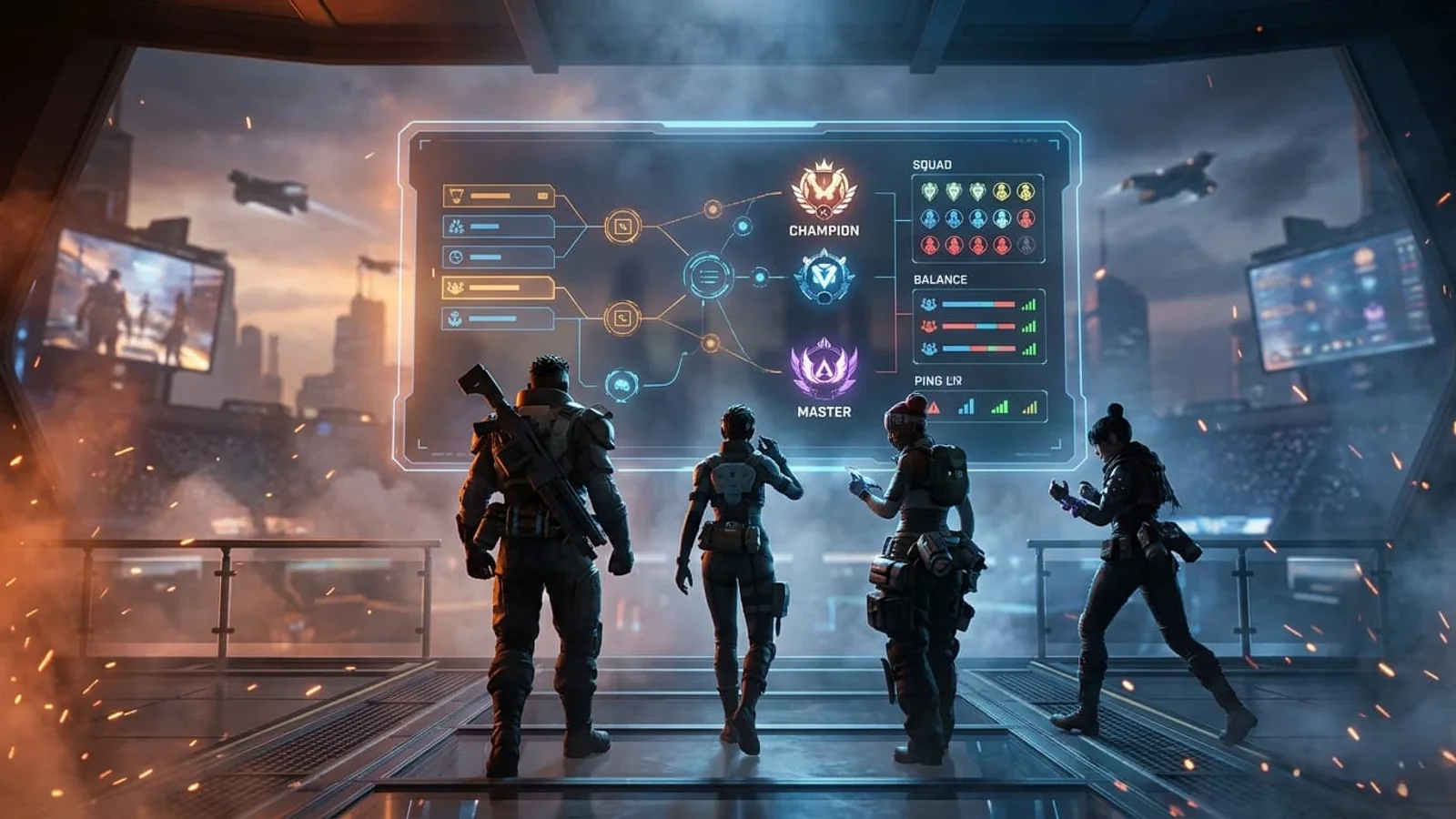
Apex Legends Matchmaking Tests Update: What Players Should Check Before Changing Settings
Apex Legends players may be affected by a fresh service update. Here is what to check first, what could be affected, and when to wait before changing settings.