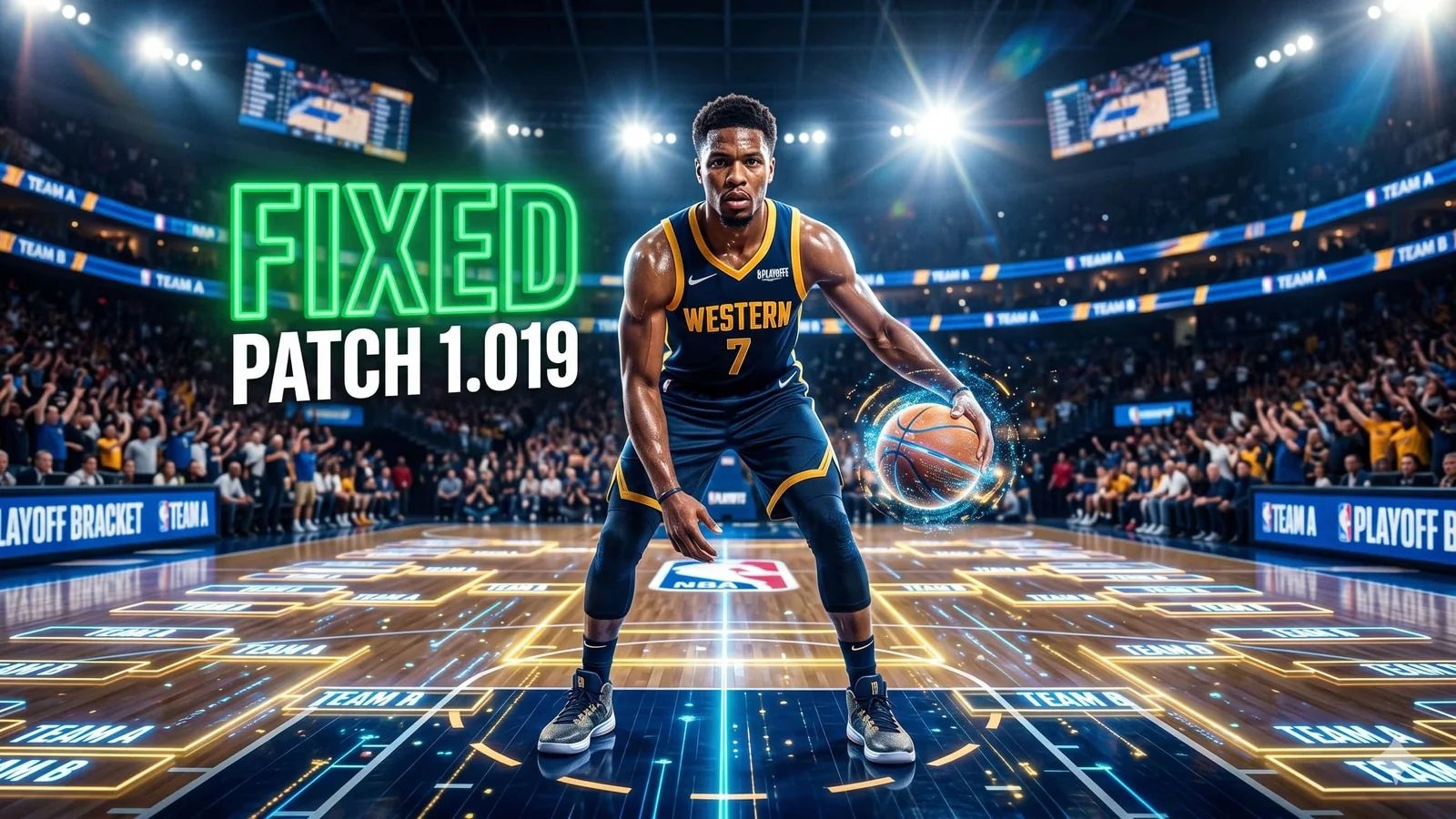
NBA 2K26 Update 1.019 Patch Notes: Broken Playoff Bracket Finally Fixed (April 20, 2026)
NBA 2K26 update 1.019 just dropped on every platform, and it finally fixes the MyNBA Playoffs bracket bug that's been blocking franchise players for weeks. Here's exactly what changed, how to install it, and where to grab NBA 2K26 for the lowest 2026 price.
Updated 143 days ago. Server notices can affect logins, matchmaking, downloads, store access, and party systems.
Lowest 2026 prices on every NBA 2K26 edition — instant key delivery, verified sellers.
NBA 2K26 Update 1.019 Is Live — And It Saves Your MyNBA Save
Visual Concepts rolled out NBA 2K26 update 1.019 on April 20, 2026, targeting the single most frustrating bug in the franchise scene right now. The Playoffs bracket failure in MyNBA — the one that's been stopping "Start Today" simulations from advancing properly — is officially patched. If you've been holding off on your NBA 2K26 Playoffs run, this is the green light.
The patch lands at the perfect moment. The real-world 2026 NBA Playoffs are already underway, and 2K fans have been loudly demanding the in-game experience match. Now it finally can.
NBA 2K26 Patch 1.019 — The Short Version
The official console version for this update is 01.019.000, and it's now available across all platforms. It's a focused patch rather than a mega-update, which means it installs fast and gets you back into MyNBA quickly.
Here's the at-a-glance breakdown:
| Area | What Changed | Who It Affects |
|---|---|---|
| MyNBA | Playoffs bracket now advances correctly with Start Today | ✅ Every franchise player |
| Stability | General performance and crash fixes | ✅ All modes |
| Version | Push to 01.019.000 (console) | ✅ PS5, Xbox, PC |
| Download Size | Small — quick install | ✅ No re-download of assets |
The MyNBA Playoffs Bug — Why This Fix Matters
The bug itself was brutal for franchise mode diehards. When you used the "Start Today" option in MyNBA, the Playoffs bracket would fail to advance as expected — meaning simulations stalled, the bracket displayed incorrectly, and your championship run could get stuck in limbo. For anyone running multi-season dynasties, that's a save-breaker.
Visual Concepts acknowledged the issue directly, stating the fix would ship in the April 20 patch. They followed through on schedule. The Playoffs bracket now progresses normally, and saves that were previously stuck should unblock once the update applies.
How To Apply NBA 2K26 Update 1.019
- PS5: Close the game fully, then relaunch to trigger the download. Version should read 01.019.000.
- Xbox Series X|S: Same process — quit the game from the dashboard, reopen, and let the update apply.
- PC (Steam): Restart Steam to force the patch check if it hasn't auto-downloaded.
- Nintendo Switch / Switch 2: Available through the eShop update channel.
After the install, reopen your stuck MyNBA save and try advancing past the Playoffs round that was blocking you. Community reports already confirm it's working.
What Else Is In 1.019
Outside the headline fix, Visual Concepts has bundled general stability and performance improvements into this patch. Nothing game-changing on the balance side — think of this as a targeted hotfix with cleanup work, not a full Season update.
Season 6 launched back on April 3, so most of the seasonal content, progression, and cosmetic grind you've been working on is untouched here. Your Level 1–40 progression path, MyCAREER anime rewards, and MyTEAM cards all carry over exactly as they were.
Should You Jump Back In Tonight?
Yes, if you've been avoiding MyNBA. This is the exact patch franchise mode players have been waiting on. With the real NBA Playoffs in full swing, there's no better moment to sync your virtual dynasty to the actual bracket and grind toward a Finals run.
Online modes (Park, The Theater, The REC) are unaffected, so you can still hop into competitive play without worrying about this patch breaking anything. If anything, general stability improvements should mean fewer random hangs during long sessions.
Best Game Modes To Play After The 1.019 Patch
- MyNBA (Playoffs brackets) — the whole reason this update exists.
- MyCAREER — Season 6 progression path is still going strong through late April.
- MyTEAM — grind hand-drawn MyTEAM cards while the limited-time content is active.
- The W — women's franchise mode remains a sleeper hit this cycle.
Verdict — Buy NBA 2K26 At The Lowest 2026 Price
If you've been waiting for a reason to pick up NBA 2K26 — or upgrade to an edition with better MyTEAM rewards — patch 1.019 just removed the biggest remaining complaint. Prices on key resellers are significantly below MSRP across every platform right now, and with the NBA Playoffs driving real-world hype, demand (and price) tends to climb through late April.
Here are the three trusted stores worth checking first:
- 🔑 Grab NBA 2K26 on Kinguin → — Best for Standard and Mamba Moments Edition regional discounts.
- 🎯 Check NBA 2K26 on Instant Gaming → — Frequent flash deals on premium editions with VC included.
Always verify platform, edition, and region lock before checkout. A fresh install of NBA 2K26 with 1.019 applied and the real-world Playoffs on TV is the most fun this franchise has been in months — don't miss the window.
Related paths
Recommended paths
Recommended next steps
Continue with useful related pages selected for this article.
NBA 2K26
Lowest 2026 prices on every NBA 2K26 edition — instant key delivery, verified sellers.
Below, Rusted Gods game hub
Continue into the Adventure game hub for related coverage, deals, and fixes.
Below, Rusted Gods updates and patch notes
Use the patch notes hub to follow recent updates, hotfixes, and game changes.
Latest game updates
Follow recent patches, hotfixes, update notes, and player-facing changes.
War Thunder Server Maintenance Notice (June 9th): What Players Should Check Before Changing Settings
Continue with a related related selected from Primvo's connected coverage.
Apex Legends Matchmaking Tests Update: What Players Should Check Before Changing Settings
Continue with a related related selected from Primvo's connected coverage.
Check whether your PC is ready for Below, Rusted Gods
Compare your setup with available PC requirements before you install, buy, or upgrade.
Continue Exploring
Choose another useful Primvo section when you want more context, deals, guides, or game pages.
Error Code Checker
Look up connection, crash, launcher, console, and multiplayer error codes.
Server Status
Check common service issues before changing settings or reinstalling a game.
NBA 2K26
Continue through related games and connected player pages.
Guides
Keep reading with useful walkthroughs, settings help, and fixes.
Related Games
View all games
Below, Rusted Gods
Below, Rusted Gods is an upcoming game tracked for 29 Jul 2026, with PC (Microsoft Windows) availability signals and useful launch-day next steps.

Truxton Extreme
Truxton Extreme is an upcoming game tracked for 29 Jul 2026, with PC, Xbox Series X|S, Nintendo Switch 2, PC (Microsoft Windows) availability signals and useful launch-day next steps.

Lily Fantasia
Lily Fantasia is an upcoming game tracked for 29 Jul 2026, with Linux, PC (Microsoft Windows), Mac, Nintendo Switch availability signals and useful launch-day next steps.
Mistfall Hunter
Mistfall Hunter is an upcoming game tracked for 29 Jul 2026, with Xbox Series X|S, PC (Microsoft Windows), PlayStation 5 availability signals and useful launch-day next steps.
Keep Reading
Open everything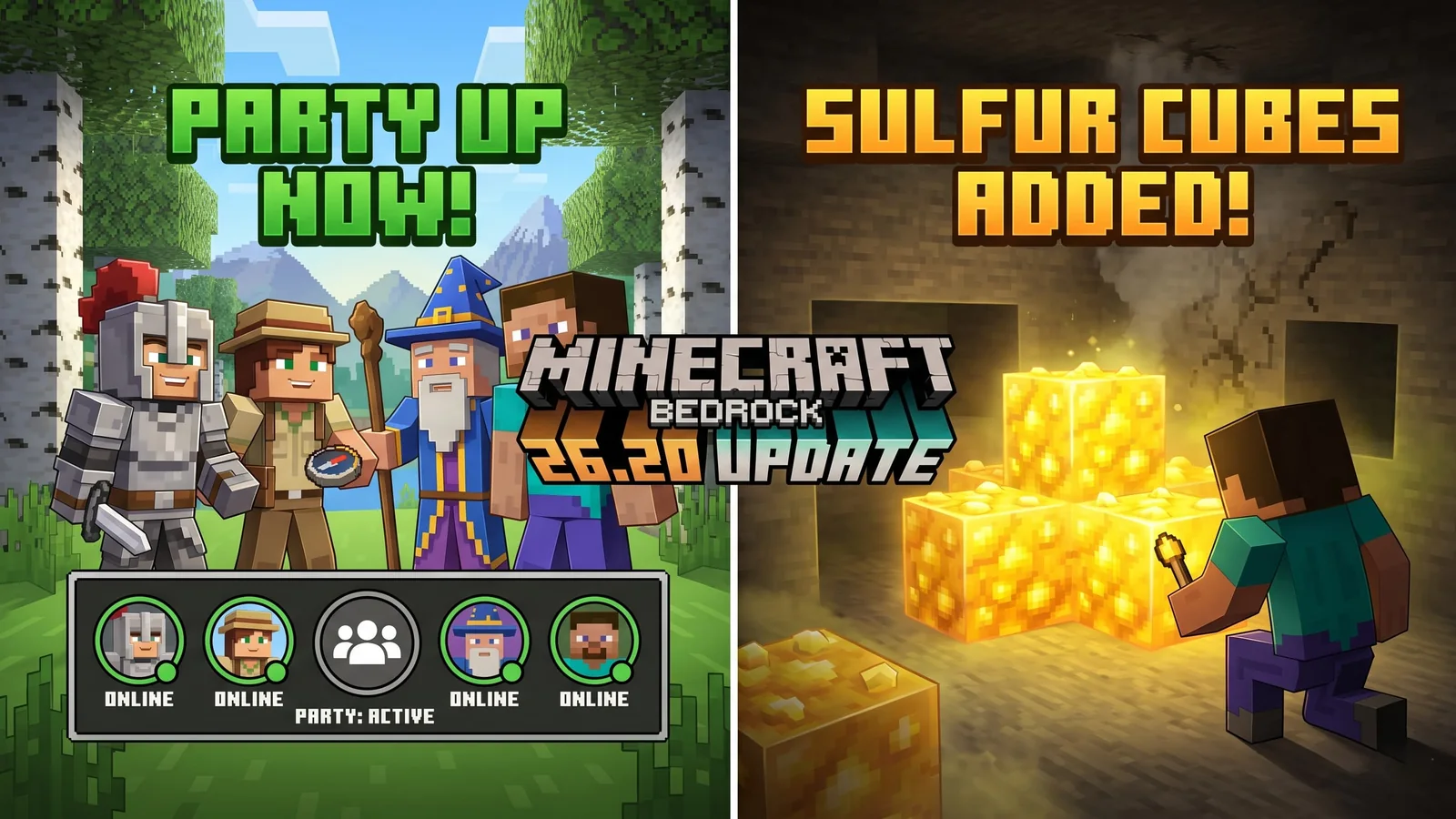
Minecraft Bedrock 26.20 Update Adds Sulfur Cubes and Party System
Minecraft Bedrock 26.20 is live with Chaos Cubed experimental features, including Sulfur Cubes, Sulfur Springs, Potent Sulfur, Sulfur Caves, the new Party System beta, and Realm Hub changes.

War Thunder Server Maintenance Notice (June 9th): What Players Should Check Before Changing Settings
War Thunder players may be affected by a fresh service update. Here is what to check first, what could be affected, and when to wait before changing settings.
Apex Legends Matchmaking Tests Update: What Players Should Check Before Changing Settings
Apex Legends players may be affected by a fresh service update. Here is what to check first, what could be affected, and when to wait before changing settings.