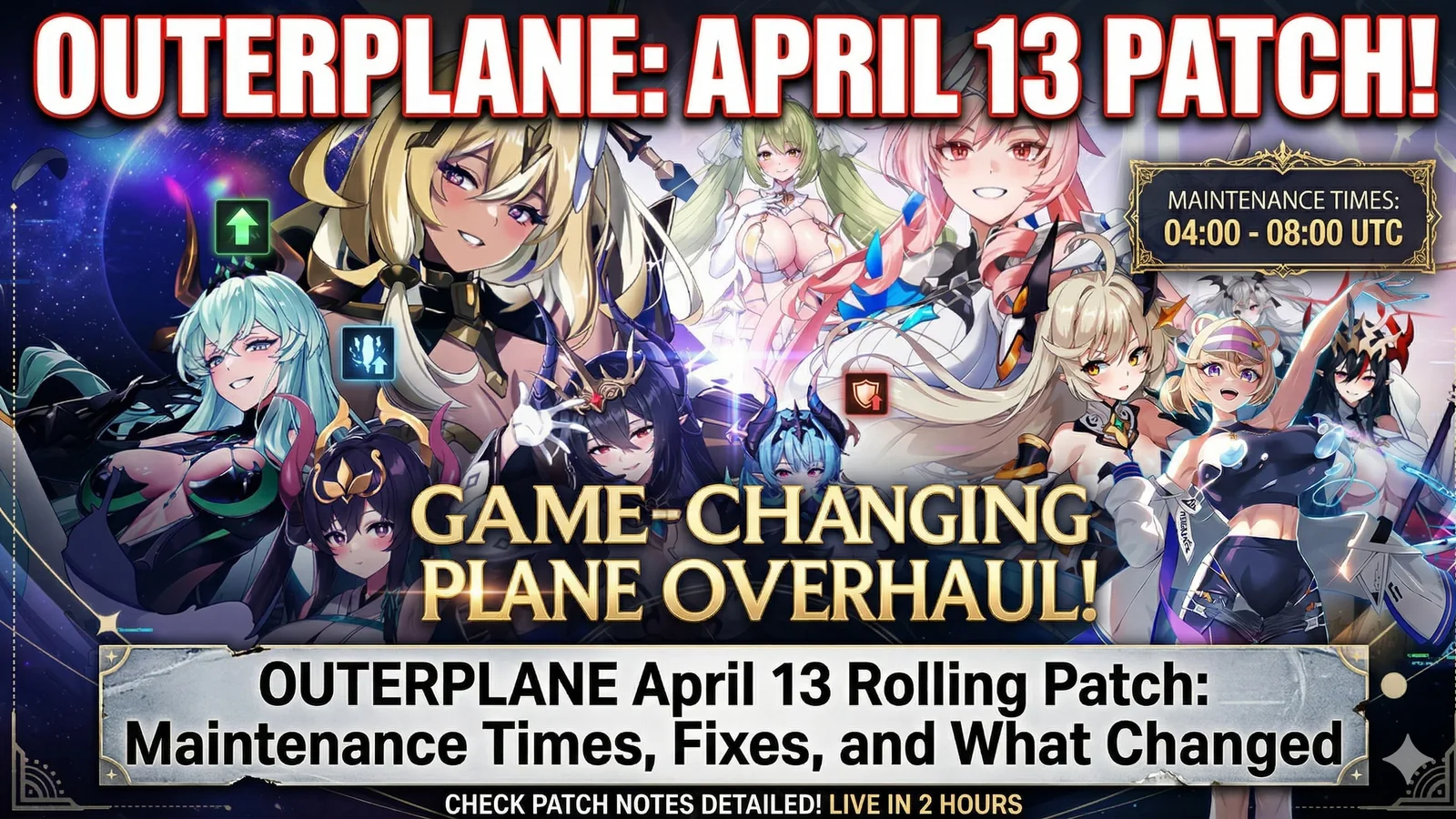
OUTERPLANE April 13 Rolling Patch: Maintenance Times, Fixes, and What Changed
OUTERPLANE’s April 13 rolling patch is a small but important fix update, targeting a Chapter 11 loading issue, battle text problems, and missing English text in some parts of the game. Here is what changed and when the patch was applied.
Updated 74 days ago. Server notices can affect logins, matchmaking, downloads, store access, and party systems.
Compare live digital game offers and lock in stronger prices before the best deals rotate out.
OUTERPLANE rolled out a small but useful fix patch on April 13
OUTERPLANE received a sequential rolling patch on April 13, and while this is not a major version update, it does fix a few issues that could directly affect normal play. According to the official notice, the patch was applied on April 13 from 09:20 to 09:40 UTC, and players could continue playing during the process, although some server instability was possible. :contentReference[oaicite:0]{index=0}
What this patch actually fixes
This patch is mainly about clearing up a handful of specific issues rather than adding new content. The official notice lists three main fixes:
- a problem where loading could stop at 70% and block progress when entering Chapter 11 of certain Hero Side Stories
- a battle text issue where some text appeared as □□ when Buff Effect Transfer or Spatial Distortion was applied while using certain non-Korean and non-English language settings
- some areas of the game showing Korean text instead of English :contentReference[oaicite:1]{index=1}
The most important fix is the Chapter 11 loading issue
The biggest problem addressed here is the 70% loading stop tied to Chapter 11 in certain Hero Side Stories. For affected players, that is more than a cosmetic problem because it can stop progress entirely. If you were stuck trying to enter that content, this is the first fix to care about. :contentReference[oaicite:2]{index=2}
Language and text cleanup matter too
The other two fixes may sound smaller, but they still matter for normal play.
If your game language was set outside Korean or English, some battle text could break and display as square symbols when specific effects such as Buff Effect Transfer or Spatial Distortion were triggered. The patch also fixes places where Korean text appeared instead of English, which helps make the interface and content feel cleaner for players using English. :contentReference[oaicite:3]{index=3}
Was there maintenance downtime?
Not in the usual full-maintenance sense.
This was a sequential rolling patch, which means the update was applied during the listed window rather than through a full shutdown. The official notice says players could continue playing, but some temporary server instability could happen while the patch was being rolled out. :contentReference[oaicite:4]{index=4}
Do you need to do anything?
Once the patch is downloaded, the improved version should be available in-game. In practice, that means affected players should simply update if needed, relaunch the game if something still looks wrong, and then check whether the fixed content is working properly again. The official notice specifically says that after downloading the patch, players can access the improved game function. :contentReference[oaicite:5]{index=5}
Quick summary of the April 13 OUTERPLANE patch
If you only want the short version, here is what this rolling patch does:
- fixes a 70% loading stop in Chapter 11 of certain Hero Side Stories
- fixes battle text appearing as □□ in some language settings during specific battle effects
- fixes some content showing Korean instead of English
- was applied on April 13 from 09:20 to 09:40 UTC
- may have caused some temporary server instability while rolling out :contentReference[oaicite:6]{index=6}
Why this patch is still worth noting
Even smaller fix patches matter in live-service games because they often target the exact problems that make regular play feel frustrating. A loading block, broken battle text, or incorrect language display may not sound dramatic in a headline, but they are exactly the type of problems players want solved quickly once they appear. This patch does that cleanup work. :contentReference[oaicite:7]{index=7}
FAQ
When was the OUTERPLANE April 13 rolling patch applied?
It was applied on April 13 from 09:20 to 09:40 UTC. :contentReference[oaicite:8]{index=8}
What did the OUTERPLANE rolling patch fix?
It fixed a Chapter 11 loading issue, battle text showing as square symbols in some language settings, and some Korean text appearing instead of English. :contentReference[oaicite:9]{index=9}
Could players still play during the patch?
Yes. The official notice said players could continue playing, although some temporary server instability could occur. :contentReference[oaicite:10]{index=10}
What was the most important fix?
The most important fix was the issue where loading could stop at 70% and prevent progress in certain Chapter 11 Hero Side Story entries. :contentReference[oaicite:11]{index=11}
Related paths
- More live-service game coverage
- Latest gaming news
- Latest gaming guides
Recommended paths
Recommended next steps
Continue with useful related pages selected for this article.
Top Digital Game Discounts
Compare live digital game offers and lock in stronger prices before the best deals rotate out.
Lost Ark game hub
Continue into the RPG game hub for related coverage, deals, and fixes.
Lost Ark updates and patch notes
Use the patch notes hub to follow recent updates, hotfixes, and game changes.
Server Status Hub
Check common service issues before changing settings or reinstalling a game.
Latest game updates
Follow recent patches, hotfixes, update notes, and player-facing changes.
War Thunder Server Maintenance Notice (June 9th): What Players Should Check Before Changing Settings
Continue with a related related selected from Primvo's connected coverage.
Apex Legends Matchmaking Tests Update: What Players Should Check Before Changing Settings
Continue with a related related selected from Primvo's connected coverage.
Continue Exploring
Choose another useful Primvo section when you want more context, deals, guides, or game pages.
Error Code Checker
Look up connection, crash, launcher, console, and multiplayer error codes.
Server Status
Check common service issues before changing settings or reinstalling a game.
outerplane
Continue through related games and connected player pages.
Guides
Keep reading with useful walkthroughs, settings help, and fixes.
Related Games
View all games
Keep Reading
Open everything
War Thunder Server Maintenance Notice (June 9th): What Players Should Check Before Changing Settings
War Thunder players may be affected by a fresh service update. Here is what to check first, what could be affected, and when to wait before changing settings.
Apex Legends Matchmaking Tests Update: What Players Should Check Before Changing Settings
Apex Legends players may be affected by a fresh service update. Here is what to check first, what could be affected, and when to wait before changing settings.

Switch 2 Digital Games Can Cost Less Than Physical Copies
Nintendo’s Switch 2 pricing change means some digital games can cost less than physical copies, starting with Yoshi and the Mysterious Book. Here’s what it means for buyers, collectors, and anyone trying to save money.