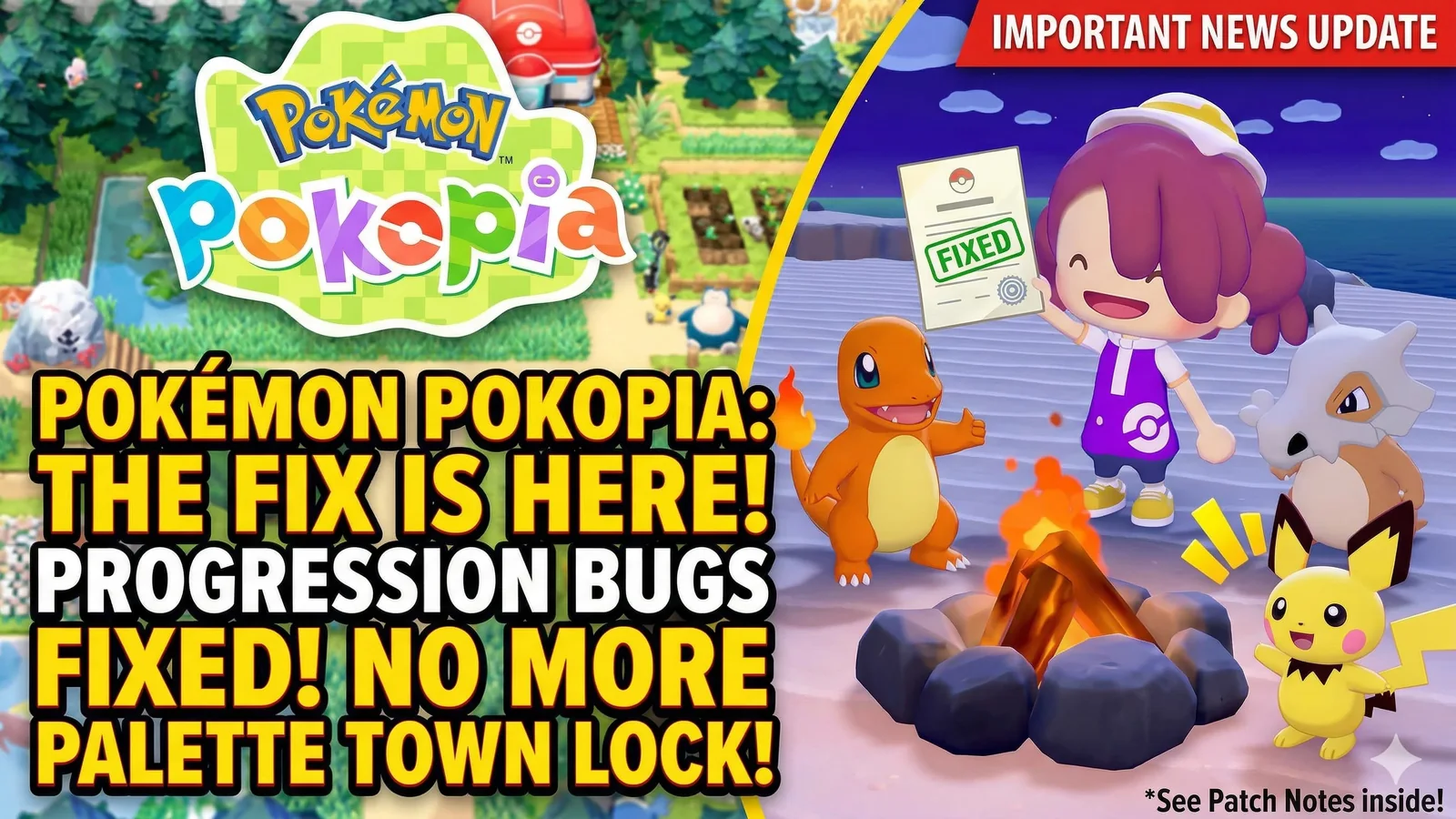
Pokémon Pokopia Update 1.0.3 Fixes Progression Bugs, Palette Town Lock, and Cloud Island Errors
Pokémon Pokopia update 1.0.3 is now live, and it fixes several progression blockers including the Palette Town lock, dark-screen issues, habitat relocation bugs, and Cloud Island errors.
Updated 136 days ago. Server notices can affect logins, matchmaking, downloads, store access, and party systems.
What happened
Pokémon Pokopia has received update version 1.0.3, and this patch focuses on fixing some of the most frustrating issues players have been running into since launch.
The biggest fixes are tied to progression and world stability. That includes cases where players could end up in Palette Town and become unable to return, situations where the screen stayed dark when moving between towns or when the in-game date changed, and bugs that blocked progress in specific requests.
Why it matters
This is the kind of update that matters because it does more than improve polish. It removes issues that could directly interrupt normal play.
For players who were getting stuck during requests, losing access to normal progression, or running into broken island behavior, version 1.0.3 is an important patch rather than a minor cleanup update.
Key details
According to the latest update notes, version 1.0.3 includes:
- a fix for cases where traveling to a Dream Island could send players to Palette Town without a way to return
- a fix for dark-screen issues when changing towns or when the in-game date changes
- a fix for cases where Pokémon habitats could no longer be relocated
- a fix for building projects not completing until the in-game date changes
- a fix for progression trouble in Bleak Beach during “Power up the charging station!”
- a fix for progression trouble in Sparkling Skylands when a construction-help Pokémon was removed unexpectedly
- a fix for seasonal Pokémon disappearing from Cloud Islands
- a fix for an error that prevented a new Cloud Island from being created
Nintendo also says one issue has only been partially fixed so far: under certain actions, the controller may still vibrate continuously, although the problem should now be less likely to occur.
What players should do
If you have already run into any of these issues, installing version 1.0.3 should resolve the fully fixed problems listed in the patch notes.
Players who use Pokopia’s online features should also update as soon as possible, since Nintendo says the update is required for the game’s internet features.
Final takeaway
Pokémon Pokopia version 1.0.3 is a useful stability and progression patch, not just a background maintenance update.
If you were blocked by the Palette Town problem, Cloud Island errors, missing habitat behavior, or quest-related progression issues, this is one of the more important post-launch fixes the game has received so far.
Related paths
Recommended paths
Recommended next steps
Continue with useful related pages selected for this article.
Truxton Extreme game hub
Continue into the Shooter game hub for related coverage, deals, and fixes.
Truxton Extreme updates and patch notes
Use the patch notes hub to follow recent updates, hotfixes, and game changes.
Latest game updates
Follow recent patches, hotfixes, update notes, and player-facing changes.
Switch 2 Digital Games Can Cost Less Than Physical Copies
Continue with a related related selected from Primvo's connected coverage.
3 Major Games Launch Today: Wax Heads, MOTORSLICE, and Dead as Disco Lead May 5
Continue with a related related selected from Primvo's connected coverage.
Check whether your PC is ready for Truxton Extreme
Compare your setup with available PC requirements before you install, buy, or upgrade.
Wax Heads Review: The Cozy Record Store Sim That Celebrates Music Culture
Continue with a related guide selected from Primvo's connected coverage.
Continue Exploring
Choose another useful Primvo section when you want more context, deals, guides, or game pages.
Error Code Checker
Look up connection, crash, launcher, console, and multiplayer error codes.
Server Status
Check common service issues before changing settings or reinstalling a game.
pokemon pokopia
Continue through related games and connected player pages.
Guides
Keep reading with useful walkthroughs, settings help, and fixes.
Related Games
View all games
Truxton Extreme
Truxton Extreme is an upcoming game tracked for 29 Jul 2026, with PC, Xbox Series X|S, Nintendo Switch 2, PC (Microsoft Windows) availability signals and useful launch-day next steps.
Lily Fantasia
Lily Fantasia is an upcoming game tracked for 29 Jul 2026, with Linux, PC (Microsoft Windows), Mac, Nintendo Switch availability signals and useful launch-day next steps.
Lost Ark
Lost Ark update hub with patch notes, PC requirements, deal paths, and player tools.
Keep Reading
Open everything
Switch 2 Digital Games Can Cost Less Than Physical Copies
Nintendo’s Switch 2 pricing change means some digital games can cost less than physical copies, starting with Yoshi and the Mysterious Book. Here’s what it means for buyers, collectors, and anyone trying to save money.

3 Major Games Launch Today: Wax Heads, MOTORSLICE, and Dead as Disco Lead May 5
May 5 brings three very different launches: Wax Heads for cozy record store fans, MOTORSLICE for chainsaw parkour action, and Dead as Disco for rhythm combat players.
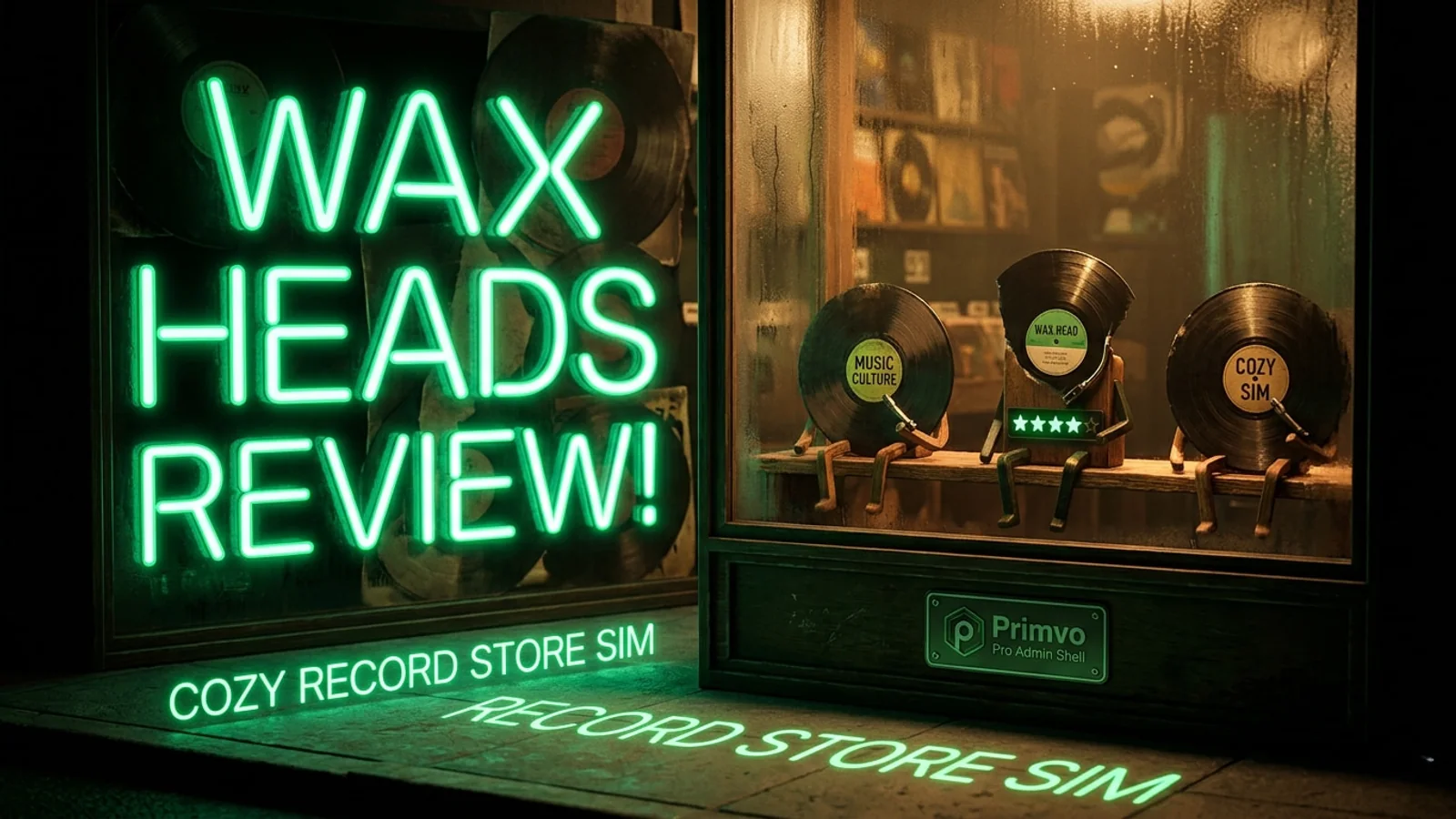
Wax Heads Review: The Cozy Record Store Sim That Celebrates Music Culture
Wax Heads turns a struggling record store into a warm, music-driven sim where customer recommendations, vinyl culture, and community stories matter.
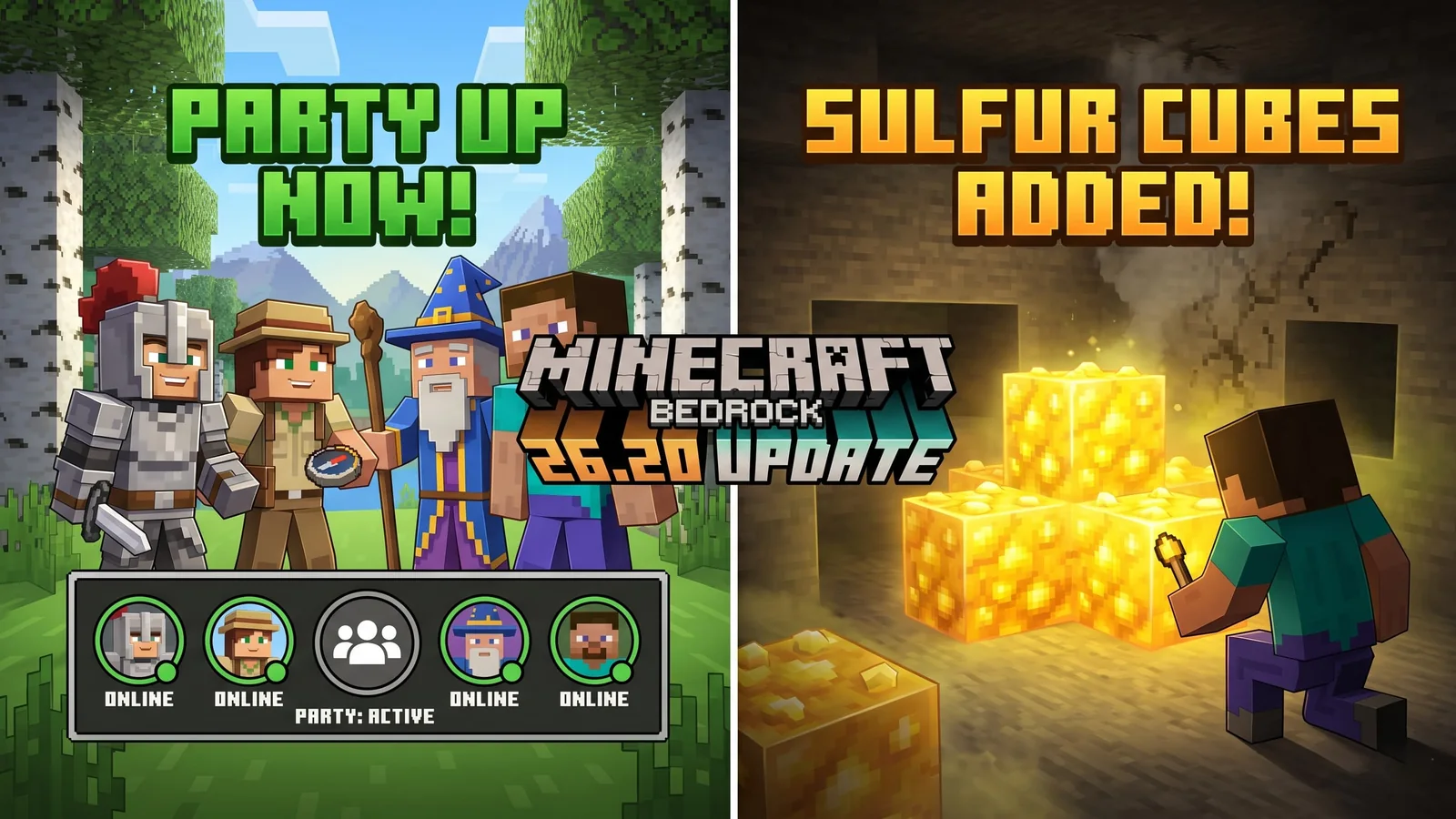
Minecraft Bedrock 26.20 Update Adds Sulfur Cubes and Party System
Minecraft Bedrock 26.20 is live with Chaos Cubed experimental features, including Sulfur Cubes, Sulfur Springs, Potent Sulfur, Sulfur Caves, the new Party System beta, and Realm Hub changes.

Best Star Wars Day 2026 Game Deals: PS5, Xbox, PC, and Switch Sales Live Now
Star Wars Day 2026 brings major game deals across PlayStation, Xbox, Steam, Epic, GOG, and Nintendo, with discounts on Outlaws, Jedi titles, KOTOR, LEGO Star Wars, and more.