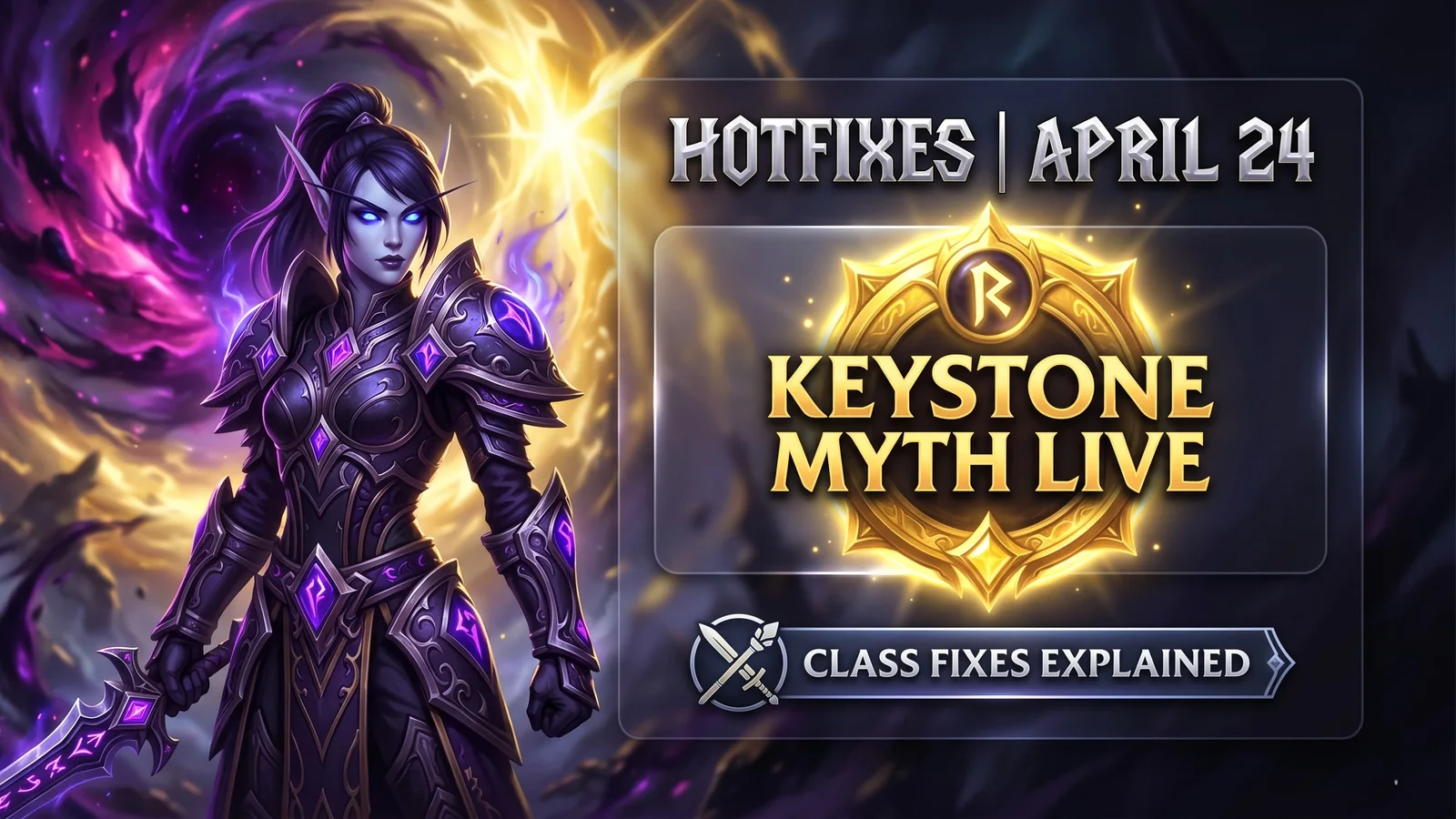
WoW Midnight Hotfixes April 24, 2026 — Keystone Myth Achievement Is Now Live, Class Fixes Explained
Blizzard pushed server-side hotfixes for World of Warcraft: Midnight on April 24, 2026, and the headline change is the one players have been waiting for: the Keystone Myth – Season One achievement is now obtainable for players who hit 3,400+ Mythic+ rating. It was previously disabled due to a bug. Here is everything that changed.
Updated 138 days ago. Server notices can affect logins, matchmaking, downloads, store access, and party systems.
Open the next relevant path connected to this article.
WoW Midnight Hotfixes April 24, 2026 — Keystone Myth Achievement Is Now Live, Class Fixes Explained
The April 24, 2026 hotfix for World of Warcraft: Midnight went live server-side without a client download. The key change for high-end players: the Keystone Myth – Season One achievement is now obtainable.
This was the achievement tied to reaching 3,400+ Mythic+ rating in Midnight Season One. It had been temporarily disabled after a bug prevented it from awarding correctly. That is now fixed.
Get WoW Game Time — Best Price →
The Keystone Myth Achievement — What You Unlock
The Midnight Keystone Myth – Season One achievement is gated behind reaching 3,400+ Mythic+ rating during Midnight Season One.
Players who already cleared that threshold before the achievement was disabled can now log in and claim it. The reward upon completion is the Keystone Myth Saddle — a mount selector token that lets you choose which Keystone Myth mount you want from the available pool.
If you hit 3,400 before the hotfix and have not logged in yet, your achievement and mount claim will be waiting in-game.
Full Hotfix Notes — April 24, 2026
Blizzard's full server-side changes from the April 24 hotfix:
Achievements:
- Midnight Keystone Myth – Season One achievement is now obtainable for players at 3,400+ rating
Class Fixes:
- Multiple class-specific bug fixes applied server-side
- Verify your spec directly in-game — Blizzard's official blue post and Wowhead's blue tracker both list the full class changes by spec
Delves:
- Several delve-specific interaction bugs resolved
This is a server-side hotfix — no client patch download required. Log in and the changes are live.
How to Claim the Keystone Myth Mount
If you qualified before the fix and are logging in now:
- Open your Achievement panel in-game
- Navigate to Player vs. Player → Rated
- Find Midnight Keystone Myth – Season One
- The achievement should now show as complete if you hit 3,400+
- Open your in-game mail — the Keystone Myth Saddle mount token will be delivered there
- Use the Saddle to select your preferred mount from the available Season One pool
If the achievement is not triggering despite meeting the rating requirement, Blizzard recommends logging out and back in, or completing one more Mythic+ dungeon to trigger the rating recalculation.
Is 3,400 Rating Still Achievable in Season One?
Yes — Season One of Midnight is still active. If you have not yet hit 3,400 and want the mount, the season is ongoing.
Current best specs for pushing 3,400+ rating vary by composition. The April 24 hotfix includes class adjustments that may shift the optimal picks — check your spec's changes directly from the blue post before your next push week.
What Is Coming Next for WoW Midnight
The next Fan Festival events for Final Fantasy XIV will reveal expansion details in Berlin and Tokyo — but for WoW, the next major patch is expected to be announced during the Blizzard development panel cycle. No patch release date has been confirmed beyond the hotfixes.
Blizzard has committed to weekly hotfix cycles throughout Midnight Season One.
Stock Up on WoW Game Time — Get the Best Price →
Related paths
Recommended paths
Recommended next steps
Continue with useful related pages selected for this article.
WoW 60-Day Game Time Card
Open the most relevant next step connected to this page.
Halo Campaign Evolved game hub
Continue into the Shooter game hub for related coverage, deals, and fixes.
Halo Campaign Evolved updates and patch notes
Use the patch notes hub to follow recent updates, hotfixes, and game changes.
Latest game updates
Follow recent patches, hotfixes, update notes, and player-facing changes.
War Thunder Server Maintenance Notice (June 9th): What Players Should Check Before Changing Settings
Continue with a related related selected from Primvo's connected coverage.
Check whether your PC is ready for Halo Campaign Evolved
Compare your setup with available PC requirements before you install, buy, or upgrade.
Minecraft Bedrock 26.20 Update Adds Sulfur Cubes and Party System
Continue with a related guide selected from Primvo's connected coverage.
Continue Exploring
Choose another useful Primvo section when you want more context, deals, guides, or game pages.
Error Code Checker
Look up connection, crash, launcher, console, and multiplayer error codes.
Server Status
Check common service issues before changing settings or reinstalling a game.
WoW Midnight hotfixes
Continue through related games and connected player pages.
Guides
Keep reading with useful walkthroughs, settings help, and fixes.
Related Games
View all games
Halo Campaign Evolved
Halo Campaign Evolved is an upcoming game tracked for 28 Jul 2026, with PC, PlayStation 5, Xbox Series S/X availability signals and useful launch-day next steps.

Truxton Extreme
Truxton Extreme is an upcoming game tracked for 29 Jul 2026, with PC, Xbox Series X|S, Nintendo Switch 2, PC (Microsoft Windows) availability signals and useful launch-day next steps.

Lily Fantasia
Lily Fantasia is an upcoming game tracked for 29 Jul 2026, with Linux, PC (Microsoft Windows), Mac, Nintendo Switch availability signals and useful launch-day next steps.

Outfield
Outfield is an upcoming game tracked for 29 Jul 2026, with PC (Microsoft Windows) availability signals and useful launch-day next steps.
Keep Reading
Open everything
Minecraft Bedrock 26.20 Update Adds Sulfur Cubes and Party System
Minecraft Bedrock 26.20 is live with Chaos Cubed experimental features, including Sulfur Cubes, Sulfur Springs, Potent Sulfur, Sulfur Caves, the new Party System beta, and Realm Hub changes.

Best Star Wars Day 2026 Game Deals: PS5, Xbox, PC, and Switch Sales Live Now
Star Wars Day 2026 brings major game deals across PlayStation, Xbox, Steam, Epic, GOG, and Nintendo, with discounts on Outlaws, Jedi titles, KOTOR, LEGO Star Wars, and more.

War Thunder Server Maintenance Notice (June 9th): What Players Should Check Before Changing Settings
War Thunder players may be affected by a fresh service update. Here is what to check first, what could be affected, and when to wait before changing settings.
Apex Legends Matchmaking Tests Update: What Players Should Check Before Changing Settings
Apex Legends players may be affected by a fresh service update. Here is what to check first, what could be affected, and when to wait before changing settings.