Recorded issue signal
Ubisoft
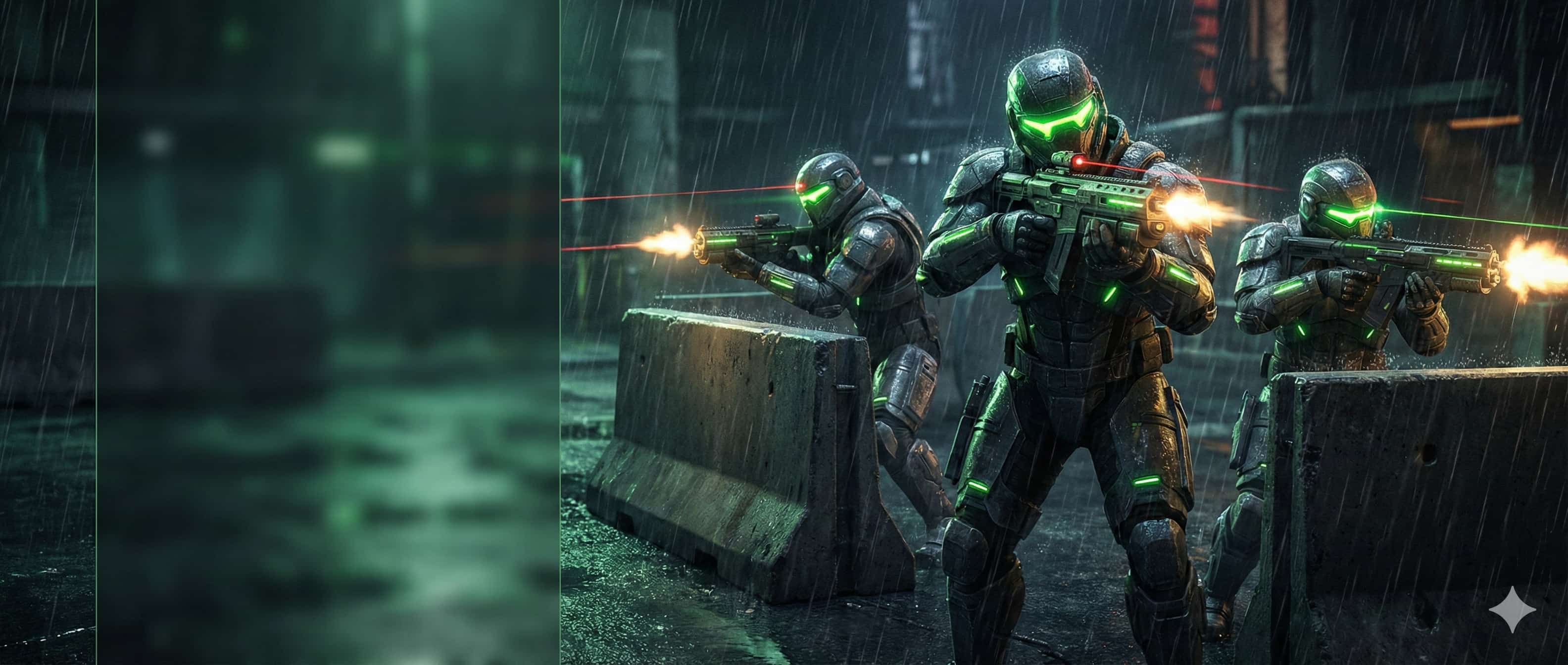
Tom Clancy’s The Division 2
downloadsmonitoring
Tom Clancy’s The Division 2 server status update
Ubisoft The Division 2 service status returned a current official service signal scoped to Tom Clancy’s The Division 2.
Evidence strengthStrong evidence
PRIMVO publishes evidence labels instead of an uncalibrated numeric trust score.
Latest evidence
6 min ago
Current checked signal
Recovery guidance
Verify the current status before treating this historical signal as active.
Account safety checklist