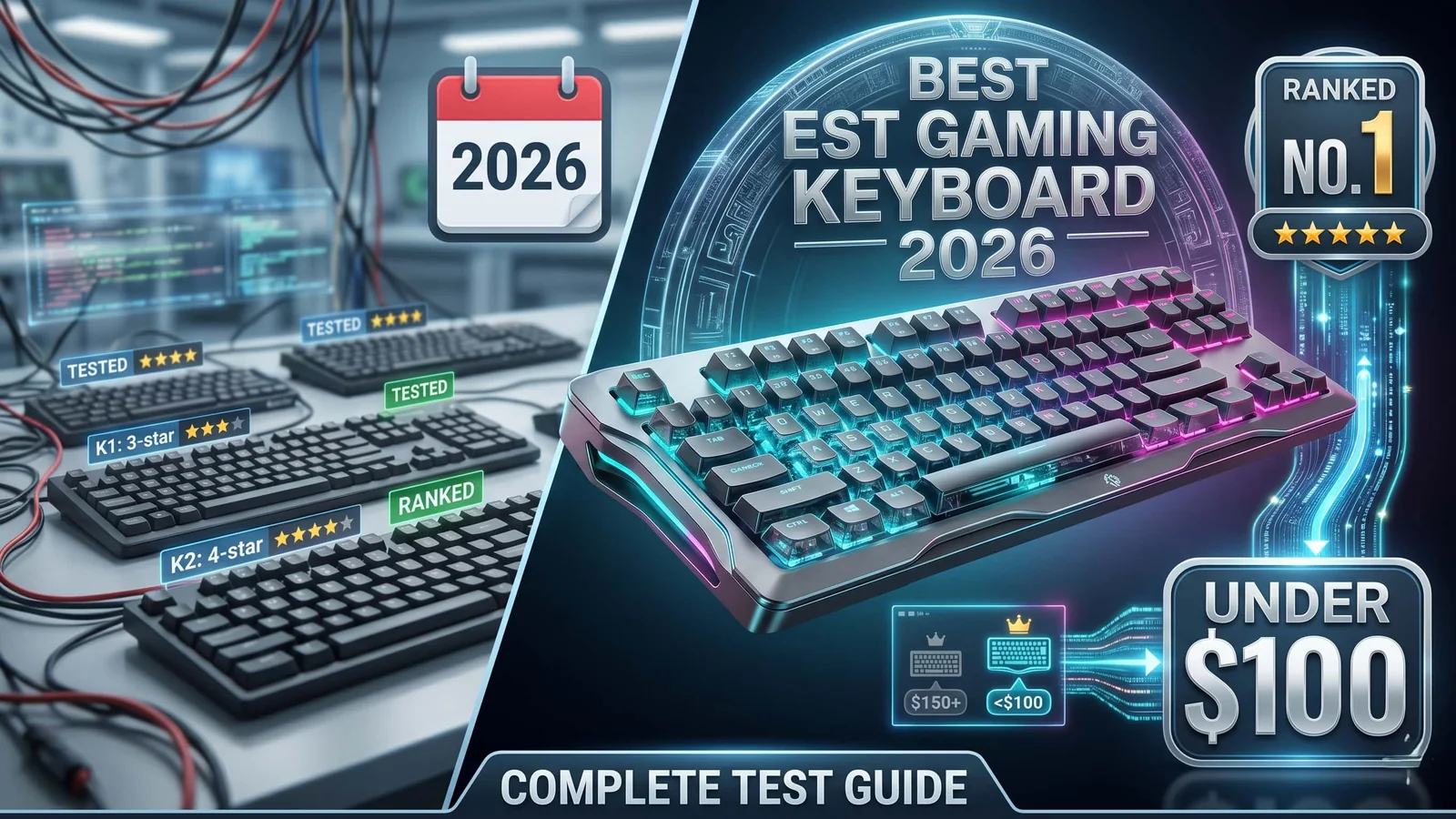
Best Gaming Keyboard Under $100 in 2026 (Tested & Ranked)
The $100 gaming keyboard tier in 2026 is quietly the best value segment in PC peripherals. Hall effect switches, hot-swap sockets, gasket mounts, and 8K polling — specs that cost $200+ two years ago — are now sub-$100 standard. After cross-referencing expert reviews from PC Gamer, Tom's Hardware, and RTINGS, these are the seven keyboards worth your money for gaming, typing, or both.
Our top pick for the best gaming keyboard under $100 in 2026. Gasket mount + hot-swap + wireless in one package.
The gaming keyboard market flipped on its head in the last 18 months. What you paid $200 for in 2023 — Hall effect switches, hot-swap sockets, gasket-mount chassis, 8K polling rates — is now standard below $100. The premium tier hasn't stopped being premium, but the budget tier has become the smart buy for almost everyone except esports pros chasing marginal gains.
After cross-referencing testing from PC Gamer, Tom's Hardware, RTINGS, and GamesRadar — plus thousands of user reviews — here are the seven gaming keyboards actually worth buying under $100 in 2026, each chosen for a different size, grip, and use case.
Check Today's Price on Amazon →
Quick Picks — 30-Second Summary
| Category | Pick | Why |
|---|---|---|
| Best Overall | Keychron V5 Max | Hot-swap + gasket mount + wireless at ~$100 |
| Best for Competitive Gaming | Keychron K2 HE | Hall effect, adjustable actuation |
| Best Wireless Under $100 | Royal Kludge RK84 Pro | Triple Bluetooth + long battery |
| Best for Typing + Gaming | Keychron V1 | Gasket mount typing feel under $90 |
| Best Razer Option | Razer BlackWidow V4 75% | Hot-swap meets gamer DNA |
| Best 60% Compact | Wooting 60HE v2 | Rapid trigger in a tiny shell |
| Best Full-Size Budget | Corsair K70 CORE | Pre-lubed linears + metal build |
What Actually Matters Under $100 in 2026
Before the picks, here's what separates a great budget gaming keyboard from a forgettable one this year.
Hall Effect vs. Mechanical Switches — the 2026 Debate
Hall effect (magnetic) switches are now sub-$100 territory. They let you:
- Adjust actuation point from 0.1mm to 4.0mm per key
- Enable rapid trigger — instant re-actuation without full key release (huge in FPS)
- Program two inputs per key based on press depth (SOCD alternatives)
Mechanical switches are still genuinely good, and typing feel on gasket-mount mechs beats most Hall effect boards. Get mechanical if you type more than you game. Get Hall effect if you play competitive FPS.
Polling Rate: 1,000 Hz Is Enough
Brands are pushing 4K and 8K polling hard. For 99% of players, 1,000 Hz is indistinguishable from 8K. 8K polling matters at the pro esports level on 240Hz+ monitors with high-end GPUs. Below that, it's a marketing spec. Don't pay extra for it.
Gasket Mount vs. Tray Mount
A gasket mount sandwiches the PCB between foam layers — reducing typing noise and adding a "bouncy" feel. Two years ago, this was a $150+ feature. In 2026, the Keychron V and Q series put it under $100 consistently. If you type for 4+ hours a day, a gasket mount is life-changing. If you only game, it's nice-to-have.
Hot-Swap Sockets
Hot-swap lets you change switches without soldering. If your taste in switches evolves (linears → tactiles, or you want to try a new brand), hot-swap saves you buying a new keyboard. Almost every keyboard on this list has hot-swap at this price — that's how standard it's become.
Keycap Material: PBT Beats ABS
PBT keycaps resist shine and last years. ABS keycaps (on cheaper boards) develop a greasy shine in 6–12 months. Double-shot PBT is the gold standard below $100 — all the picks below use either PBT or double-shot PBT keycaps.
Check Today's Price on Amazon →
1. Keychron V5 Max — Best Overall Under $100
Typical price: Around $95–$110 on Amazon Layout: 96% (compact full-size) Switches: Gateron Jupiter (pre-lubed, hot-swappable) Connection: 2.4GHz wireless + Bluetooth 5.1 + USB-C
Rated by RTINGS as the best budget mechanical keyboard for most people in 2026, and with good reason. The V5 Max packs more premium features under $100 than any competitor.
Why It Wins
- Double gasket mount with sound-dampening foam layers — typing sounds genuinely pleasant, not plastic
- Hot-swappable south-facing PCB — works with virtually any MX-style switch
- Triple connectivity (2.4GHz wireless, Bluetooth, wired USB-C)
- Double-shot PBT keycaps in Keychron's OSA profile
- QMK/VIA firmware support — remap every key without software bloat
- 96% layout keeps the number pad and arrows without feeling cramped
Battery Life
Around 90 hours with backlighting off via Bluetooth, ~30 hours with RGB on. Below the wireless headset battery champions on this list, but solid for a full-size keyboard.
Drawbacks
- Heavier than TKL alternatives (it's still 96% layout)
- No Hall effect option — if you want rapid trigger, see the K2 HE below
- Aesthetics lean minimal rather than "gamer-y"
Who It's For
- Your keyboard is for gaming AND typing
- You want wireless + the option to change switches later
- 96% layout feels right (number pad required, but compact)
Check Keychron V5 Max Price on Amazon →
2. Keychron K2 HE — Best for Competitive Gaming
Typical price: Around $99–$119 on Amazon Layout: 75% Switches: Keychron Gateron Hall effect (magnetic) Connection: 2.4GHz wireless + Bluetooth + USB-C
If you play competitive FPS at this price, the K2 HE is the pick. Hall effect switches deliver rapid trigger and adjustable actuation at a price that used to mean Logitech G Pro or SteelSeries Apex Pro territory.
Why Hall Effect Matters for Gaming
- Rapid trigger — re-actuate the key the instant you start releasing, not after full release. Counter-strafing in CS2 and tap-strafing in Apex are measurably faster
- Per-key adjustable actuation (0.1mm to 4.0mm) — set WASD to 0.2mm for hair-trigger response, everything else to 2.0mm to prevent typos
- SOCD (Snap Action) — program last-input priority for opposing keys
- Easy web-based configuration in Keychron Launcher
What You Also Get
- Wireless 2.4GHz with 1,000 Hz polling (genuine low-latency gaming over wireless)
- Gasket mount with sound-dampening foam
- Hot-swap sockets (Hall effect switches are drop-in)
- South-facing RGB
- Full QMK/VIA support
Drawbacks
- Slightly more expensive than the V5 Max
- If you don't play competitive FPS, the Hall effect advantage disappears
- Heavier than 60% competitors (less desk real estate)
Who It's For
- Competitive FPS player (Valorant, CS2, Apex, Rainbow Six)
- You value per-key customization
- You want wireless + gasket mount feel + Hall effect in one board
3. Royal Kludge RK84 Pro — Best Wireless Under $80
Typical price: Around $60–$80 on Amazon Layout: 75% (84 keys) Switches: RK mechanical (hot-swappable) Connection: Bluetooth 5.1 + 2.4GHz dongle + USB-C
The RK84 Pro punches way above its price class. It's the best genuinely multi-device keyboard under $80 — Bluetooth 5.1 connects to three devices simultaneously, with one-button switching.
Why It's a Sleeper Pick
- Triple Bluetooth device support — jump between laptop, desktop, and tablet instantly
- Battery life ~4,000 hours (backlight off) / ~200 hours with RGB
- Hot-swap sockets (rare at this price)
- Compact 75% layout with arrows and function row preserved
- Solid build quality for the dollar
Drawbacks
- Not gasket-mounted (sounds a bit more plastic than Keychron)
- Software is less polished than Keychron Launcher
- Not the best for hardcore FPS (no Hall effect option)
Who It's For
- Multi-device users (work laptop + gaming PC + phone/tablet)
- Budget-conscious — under $80 is hard to match for wireless mechanical
- Typing + casual gaming split
Check RK84 Pro Price on Amazon →
4. Keychron V1 — Best for Typing + Gaming Balance
Typical price: Around $75–$100 on Amazon (depending on build) Layout: 75% Switches: Gateron Pro (hot-swappable) Connection: Wired USB-C only
Rated by multiple 2026 testers as the benchmark budget mechanical keyboard for typing-first users who also game. If you're at your keyboard 8+ hours a day for work plus 2–4 hours of gaming, this is the pick.
The Typing Experience
- Double gasket mount with bouncy, flex-tuned feel
- Sound-dampening foam that makes typing sound deep and "thocky" instead of hollow
- Full QMK/VIA support — no software required, custom firmware possible
- Barebones option available if you want to pick your own switches
- OSA profile double-shot PBT keycaps
The Gaming Side
- 1,000 Hz polling over wired (indistinguishable from more expensive boards)
- Linear Gateron Pro switches are smooth enough for FPS
- 75% layout keeps arrow keys and function row for games that need them
Drawbacks
- Wired only — no wireless option
- Slightly heavier than competitors at this layout
- Fewer gaming-specific features than Razer or Logitech
Who It's For
- Typing is ~60%+ of your keyboard use
- You want gasket-mount feel below $100
- Wired is fine for you
Check Keychron V1 Price on Amazon →
5. Razer BlackWidow V4 75% — Best Razer Option
Typical price: Around $95–$120 on Amazon Layout: 75% Switches: Razer Orange or Razer Yellow (hot-swappable) Connection: Wired USB-C
If you're already in the Razer ecosystem (Razer mouse, Razer software) and want a cohesive RGB experience, the BlackWidow V4 75% is Razer's strongest sub-$120 offering in 2026.
What's New from Old BlackWidows
- Hot-swap sockets — first mainstream Razer gaming keyboard to offer it at this price
- Gasket mount with sound-dampening foam (massive improvement over older BlackWidow tray mounts)
- Razer Chroma RGB integration with the rest of Razer gear
- Double-shot PBT keycaps
- Detachable USB-C cable
Drawbacks
- Wired only
- Software (Razer Synapse) is heavier than Keychron Launcher
- Slightly more expensive than Keychron equivalents
Who It's For
- You already own Razer mouse/headset/mousepad
- Razer Chroma RGB ecosystem is a must
- You want hot-swap in a "gamer" aesthetic
Check BlackWidow V4 75% Price on Amazon →
6. Wooting 60HE v2 — Best 60% Competitive Keyboard
Typical price: Around $175 for the full board ($100 barebones kit sometimes drops) Layout: 60% Switches: Lekker Hall effect Connection: Wired USB-C
A note upfront: the Wooting 60HE v2 often stretches slightly above $100, but barebones kits and frequent sales consistently put it in-range. It's included because nothing competitive under $150 matches it for pure FPS performance.
Why Pros Use It
- Lekker Hall effect switches — widely considered the most refined analog switches on the market
- Adjustable actuation 0.1mm to 4.0mm per key
- Rapid trigger — the feature that made Wooting famous
- Wootility software is considered best-in-class for Hall effect configuration
- 60% layout = maximum mousepad space
Drawbacks
- 60% layout kills arrow keys and function row (not ideal for MMO/productivity)
- Wired only
- Watch for deals to stay under $100 (barebones kits fluctuate)
Who It's For
- Serious competitive FPS only
- 60% layout is your preference (or you're okay adapting)
- You want the most refined Hall effect experience below $175
Check Wooting 60HE v2 Price on Amazon →
7. Corsair K70 CORE — Best Full-Size Budget
Typical price: Around $80–$100 on Amazon Layout: Full-size (with media keys + dial) Switches: Corsair MLX Red (pre-lubed linear) Connection: Wired USB-C
If you need a full-size layout (dedicated number pad, dedicated media controls, macro-friendly macros) on a tight budget, the K70 CORE is the cleanest value pick.
Features
- Pre-lubed linear switches — smoother than most budget mechanicals out of the box
- Sound-dampening foam layers in the case
- Dedicated media keys + aluminum rotary dial
- Aluminum top plate for rigidity
- Double-shot PBT keycaps
- Per-key RGB
Drawbacks
- Wired only
- No hot-swap (switches are fixed)
- Corsair iCUE software is heavier than Keychron or Razer alternatives
Who It's For
- You need full-size with number pad
- Media dial/keys matter for productivity
- You prefer linear switches out of the box and don't plan to swap
Check K70 CORE Price on Amazon →
Layout Guide — Which Size Should You Buy?
| Layout | Keys | Best For | Trade-off |
|---|---|---|---|
| Full-size (100%) | ~104 | Data entry, spreadsheets, MMOs | Takes most desk space |
| 96% / 1800 | ~96 | Full-size lovers who want compact | Slightly harder to find |
| TKL (80%) | ~87 | Standard gamers who use function keys | Balanced option |
| 75% | ~82–84 | Gaming + typing balance | Sweet spot for most |
| 65% | ~68 | Minimalists who keep arrow keys | No function row |
| 60% | ~61 | Competitive FPS, minimalists | No arrows, no F-row |
The practical take: 75% is the sweet spot for most gamers in 2026. You keep arrows, function row, and compactness. Go 60% only if you're competitive FPS-focused and okay without arrows. Go full-size if you do heavy productivity alongside gaming.
Common Buying Mistakes
Quick traps that waste money:
- Paying extra for 8K polling rate at this price tier. You won't tell the difference from 1K in any real-world test
- Buying "gaming RGB" boards without hot-swap sockets. Hot-swap is now standard — paying for non-hot-swap in 2026 is a downgrade
- Choosing membrane/rubber dome boards labeled "gaming". Anything in this price range should be mechanical or Hall effect. Rubber dome is obsolete
- Getting a wireless board without 2.4GHz dongle. Bluetooth-only adds 30–40ms of latency — fine for typing, bad for FPS
- Ignoring keycap material. ABS keycaps develop shine within a year of daily use. PBT lasts years
Final Recommendations by Use Case
Based on cross-referencing expert reviews and community testing:
- "Good at everything, no research needed": Keychron V5 Max
- Competitive FPS primary: Keychron K2 HE (or Wooting 60HE v2 if budget stretches)
- Multi-device, under $80: Royal Kludge RK84 Pro
- Typing heavy + some gaming: Keychron V1
- Razer ecosystem loyalist: BlackWidow V4 75%
- Full-size required: Corsair K70 CORE
- 60% minimalist competitive: Wooting 60HE v2
The Bottom Line
The sub-$100 gaming keyboard segment in 2026 is the most over-delivered category in all of PC peripherals. Keychron has single-handedly raised the baseline — gasket mounts, hot-swap sockets, PBT keycaps, and triple-connectivity wireless are now "budget" features.
If you want to buy one keyboard that works for almost every use case: the Keychron V5 Max at ~$100. It's the cleanest "good at everything" choice, and it punches well above its price in typing feel, gaming performance, and feature set.
If you want the best competitive FPS keyboard at this price: the Keychron K2 HE. Hall effect + wireless + gasket mount under $120 simply didn't exist 18 months ago.
Whatever you choose, skip two things: boards with ABS keycaps (they'll shine up fast), and "gaming" RGB boards without hot-swap sockets. The $70–$100 bracket is where the standard-setters live.
Check Today's Price on Amazon →
As an Amazon Associate, Primvo Site earns from qualifying purchases. Prices and availability are accurate at time of publishing and may change. Clicking through our links does not affect your purchase price and helps support our independent gear coverage.
Gaming gear buying checklist
Clear chat, stronger positional sound, and more comfortable long sessions.
Compare gaming headsets
Look at comfort, microphone quality, wireless latency, and platform support before choosing.
Browse helpful setup guides
Pair audio upgrades with practical guides for settings, connection stability, and game setup.
Check current game deals
Save on games while planning the setup upgrades that make sense for your library.
What to check before buying
Recommended paths
Helpful setup paths
Compare related setup ideas, game pages, guides, and deals that match this gear topic.
Keychron V5 Max – Best Overall Under $100
Our top pick for the best gaming keyboard under $100 in 2026. Gasket mount + hot-swap + wireless in one package.
Halo Campaign Evolved game hub
Continue into the Shooter game hub for related coverage, deals, and fixes.
Compare gaming gear
Browse useful accessories, storage, controllers, audio, display, and setup upgrades before deciding.
Gaming laptop vs desktop
Compare portable and desktop gaming setups before choosing your next upgrade path.
Gaming guides
Use practical setup, performance, and troubleshooting guides to match the gear topic to real play needs.
Best PC game deals today
Compare current PC game deals and bundles while planning the setup you want to play on.
Best Gaming Setup Guide 2026: Budget, Mid-Range, and Pro Builds
Continue with a related gear selected from Primvo's connected coverage.
Continue Exploring
Choose another useful Primvo section when you want more context, deals, guides, or game pages.
Related Games
View all games
Keep Reading
Open everything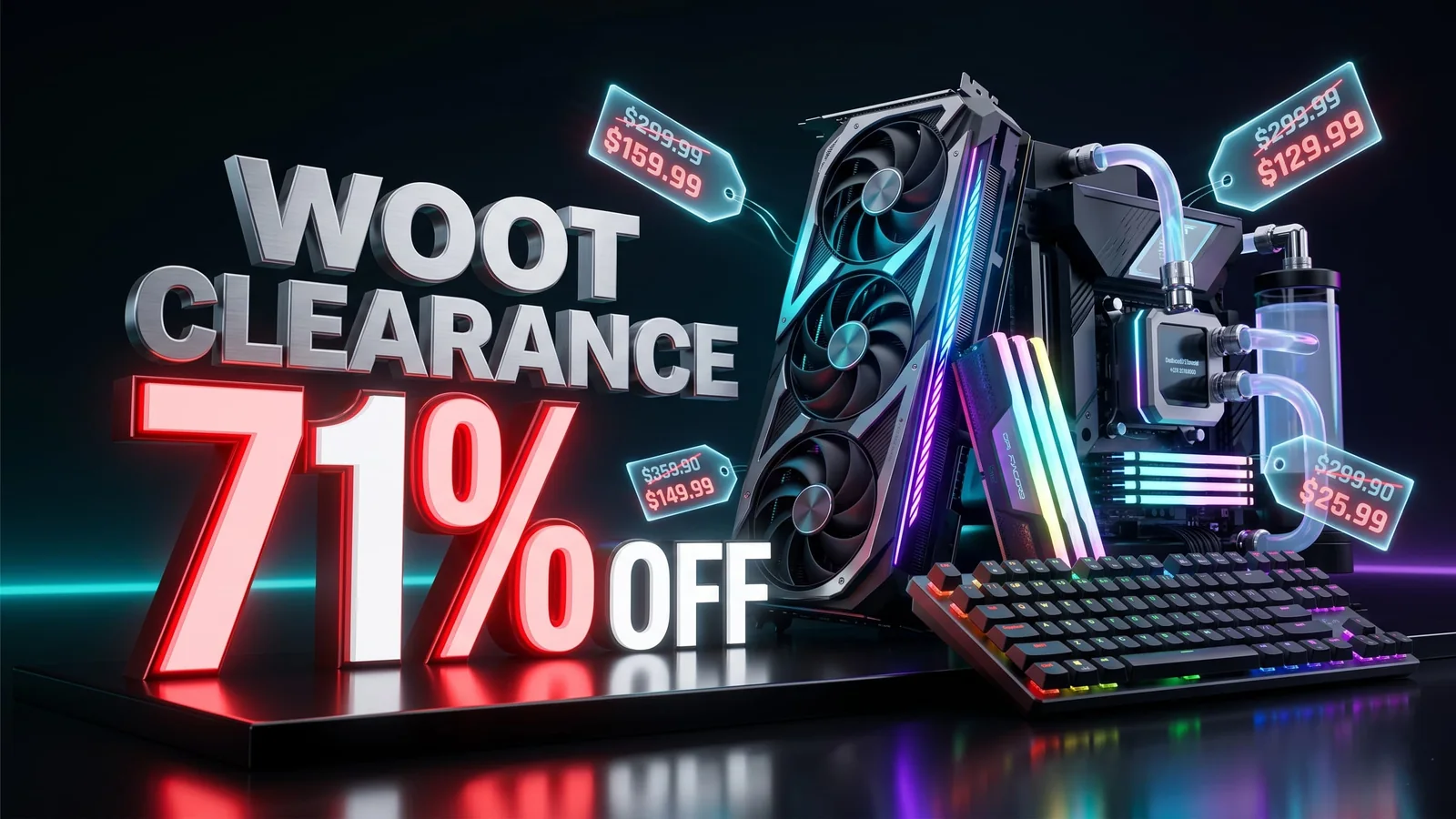
Woot PC Clearance Sale Cuts Up to 71% Off Gaming Hardware
Woot’s PC clearance sale is live with up to 71% off select gaming hardware, including CPU coolers, PC cases, fans, keyboards, and more. Here are the best deals to check before stock changes.
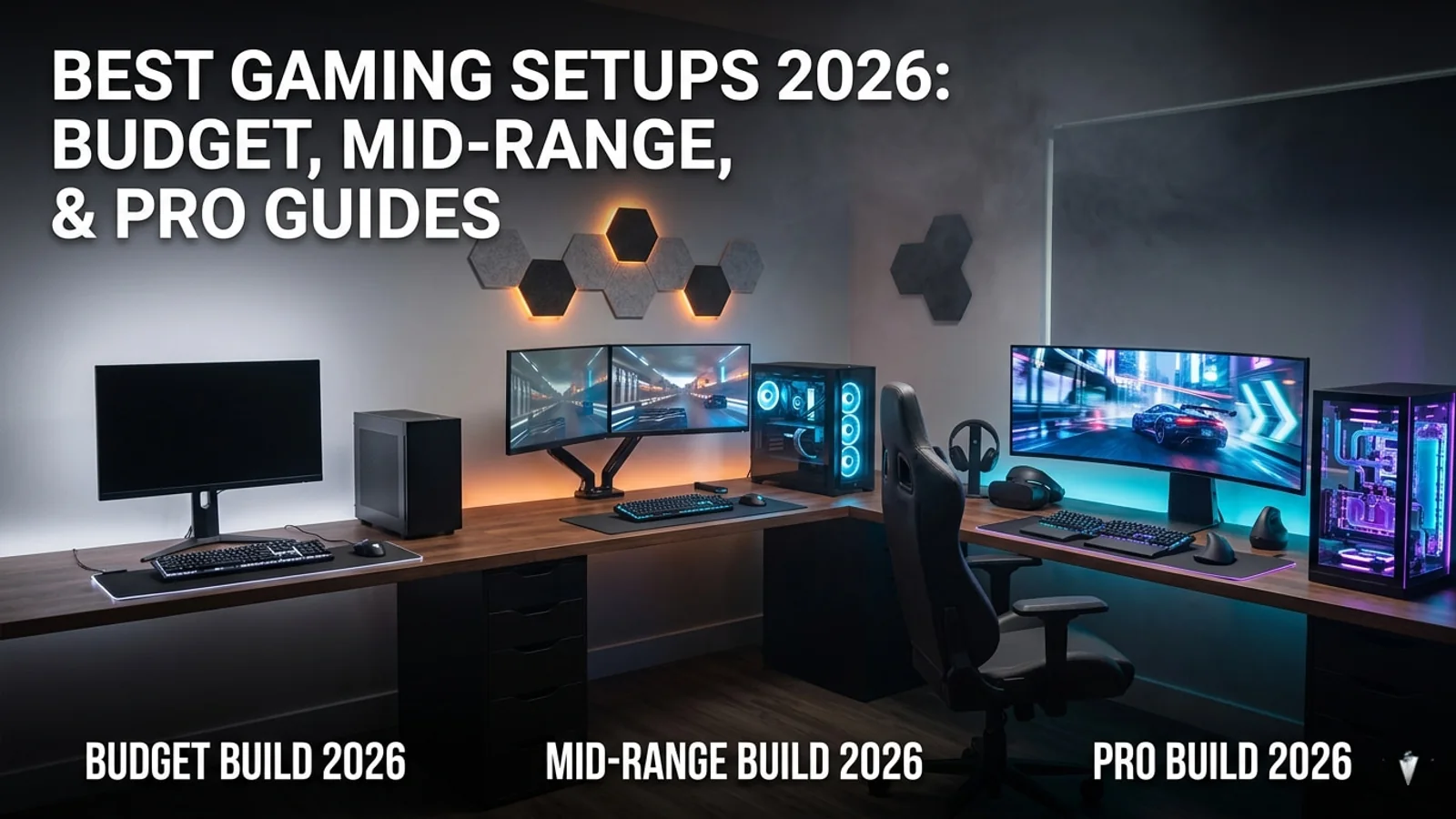
Best Gaming Setup Guide 2026: Budget, Mid-Range, and Pro Builds
This 2026 gaming setup guide helps players choose the right monitor, headset, controller, chair, desk, security tools, and accessories for every budget.

War Thunder Server Maintenance Notice (June 9th): What Players Should Check Before Changing Settings
War Thunder players may be affected by a fresh service update. Here is what to check first, what could be affected, and when to wait before changing settings.

Apex Legends Matchmaking Tests Update: What Players Should Check Before Changing Settings
Apex Legends players may be affected by a fresh service update. Here is what to check first, what could be affected, and when to wait before changing settings.