Skip to content

Quick answer

Use Everything as a route map

Everything on Primvo is a public map for finding the right game hub, tool, guide, tracker, deal, or comparison. Use it when your intent is broad, then move into the most specific page for the decision you need.

Check first

  • Use search or filters when you already know the game, topic, store, error, or platform.
  • Open a focused tool or tracker when you need a decision instead of a mixed list.
  • Prefer connected pages that lead to requirements, status, fixes, deals, or safety checks.

Avoid first

  • Do not treat the mixed route map as a replacement for a specific tool or source page.
  • Do not open weak or random results when a focused tool page matches your task better.
  • Do not assume old news, old deals, or archived topics are current without checking the page date.

Primvo keeps broad discovery separate from focused decision pages. Use this map to route yourself into a stronger player action.

Games • News • Guides • Deals • Gear • Subscriptions

Explore Games, News, Guides, Deals & Player Tools

Explore games, fresh news, practical guides, current deals, gear picks, subscriptions, and player tools from one organized hub.

Matching Posts
17
Matching Games
11
Current Page
2/2
Topics
12
Start here

Use this hub as your map through Primvo

Search for a game, pick the content type that matches your goal, then move into a focused page for guides, deals, free games, status checks, or troubleshooting. This page is designed to help you choose the next useful step instead of browsing a random list.

  • Use the filters when you already know the game, platform, or topic.
  • Open a section card when you want a focused path instead of mixed results.
  • Use the topic chips to keep exploring pages connected to the same game or problem.

Filter This Hub

Search by keyword, narrow by content type, or jump by topic.

Reset filters

Lead Story

The strongest matching story for the current filters.

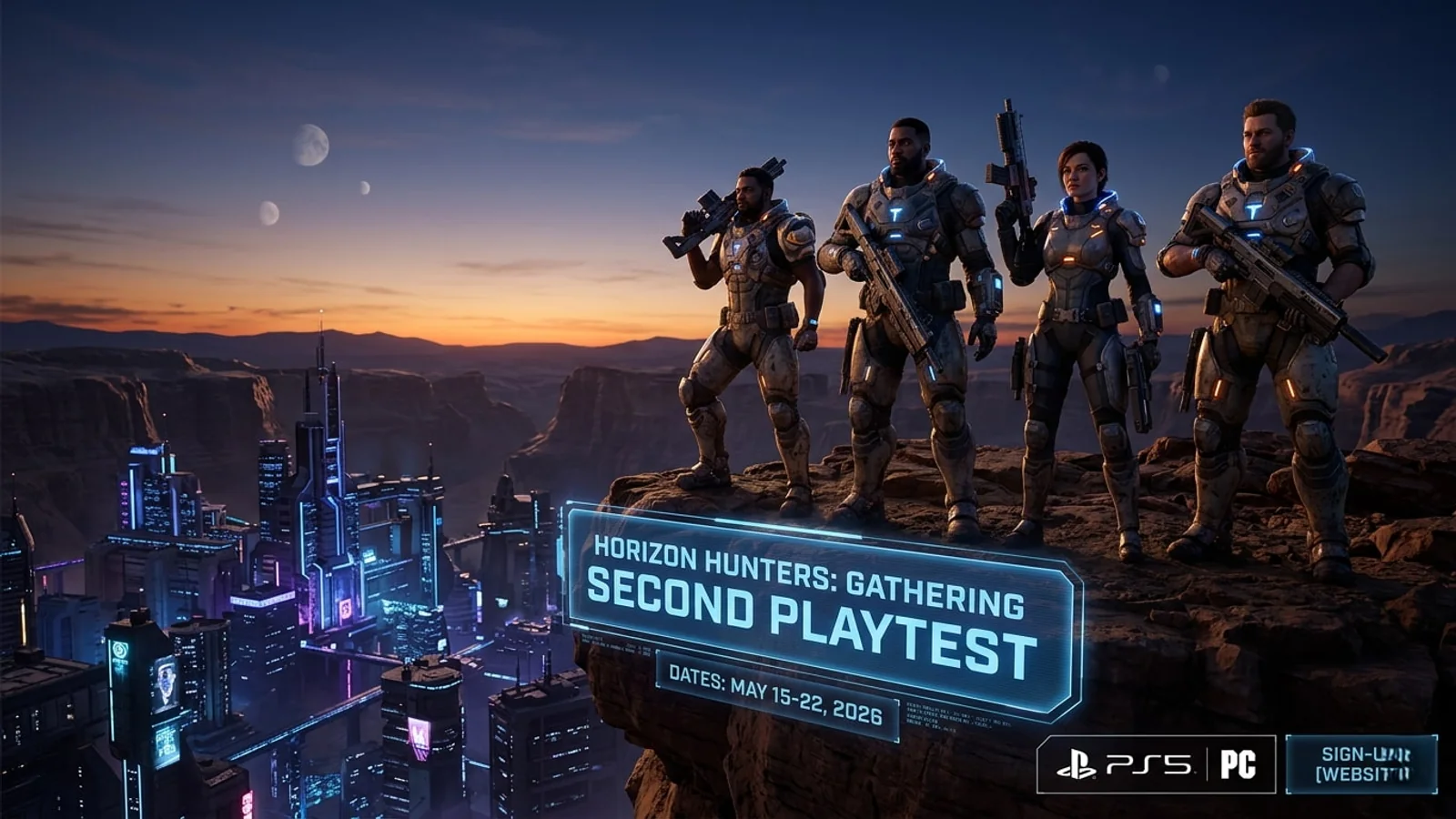
Horizon Hunters Gathering Second Playtest: Dates, Sign-Up, PS5 and PC Details
FEATURED
Guides
Context
Horizon Hunters Gathering
Horizon Hunters Gathering playtest
Horizon playtest

Horizon Hunters Gathering Second Playtest: Dates, Sign-Up, PS5 and PC Details

Guerrilla’s Horizon Hunters Gathering gets a second closed playtest from May 22 to May 25, with PS5 and PC access, new Hunters, a playable Episode, and a new region.

12 min read
Read full article about Horizon Hunters Gathering Second Playtest: Dates, Sign-Up, PS5 and PC Details

Section Highlights

Matching Games

Featured and relevant games connected to the current filters.

Current Results

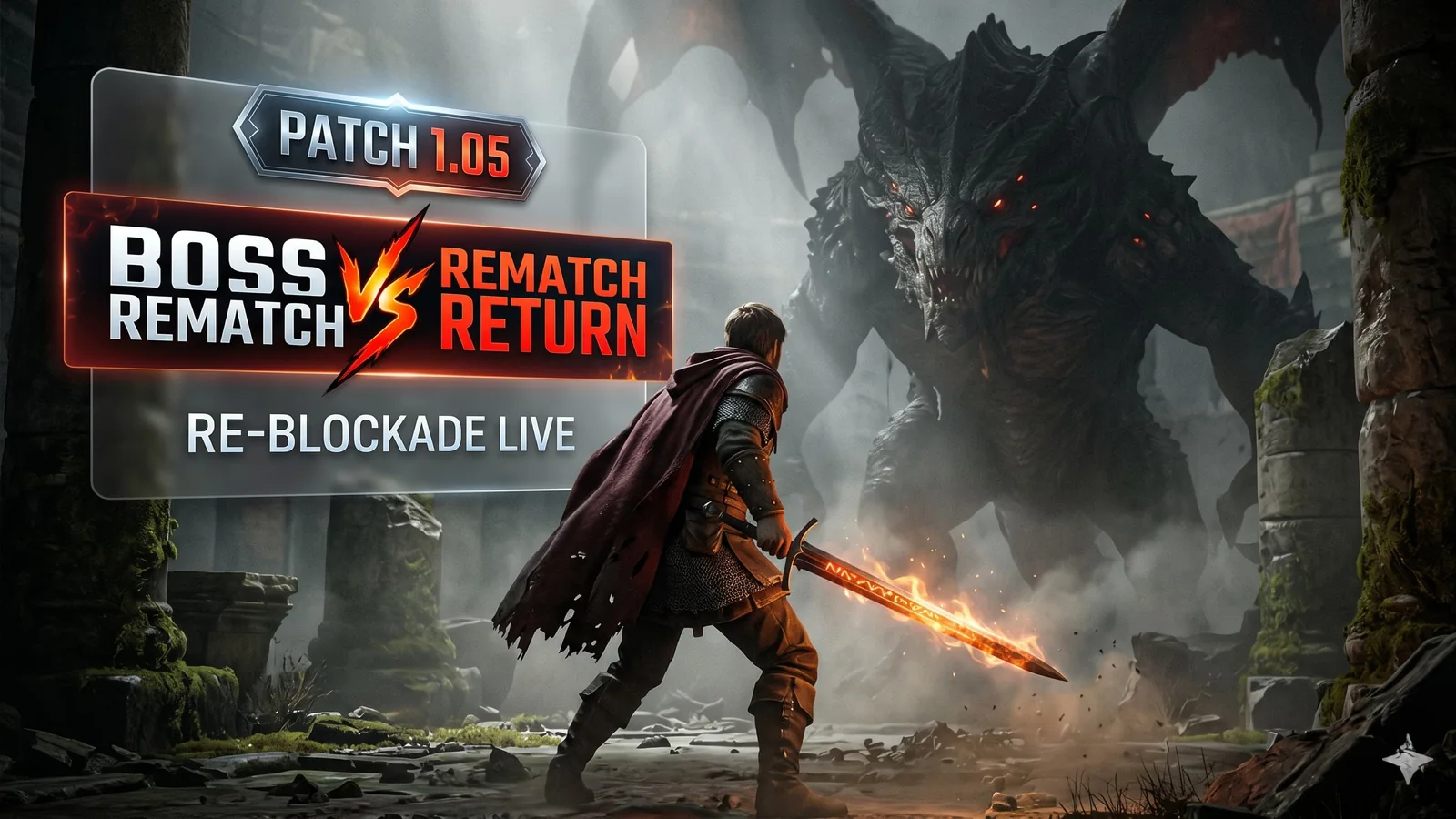
Crimson Desert Patch 1.05 Brings Back Boss Rematch and Re-blockade
FEATURED
News
Context
Crimson Desert
Pearl Abyss
Patch 1.05

Crimson Desert Patch 1.05 Brings Back Boss Rematch and Re-blockade

Pearl Abyss just dropped Patch 1.05.00 for Crimson Desert, and it's exactly what endgame players have been waiting for. The update brings back all 69 bosses through the new Rematch system and lets enemies reclaim territories with Re-blockade - finally solving the "empty world" problem that hits after completing the main story.

9 min read
Read full article about Crimson Desert Patch 1.05 Brings Back Boss Rematch and Re-blockade
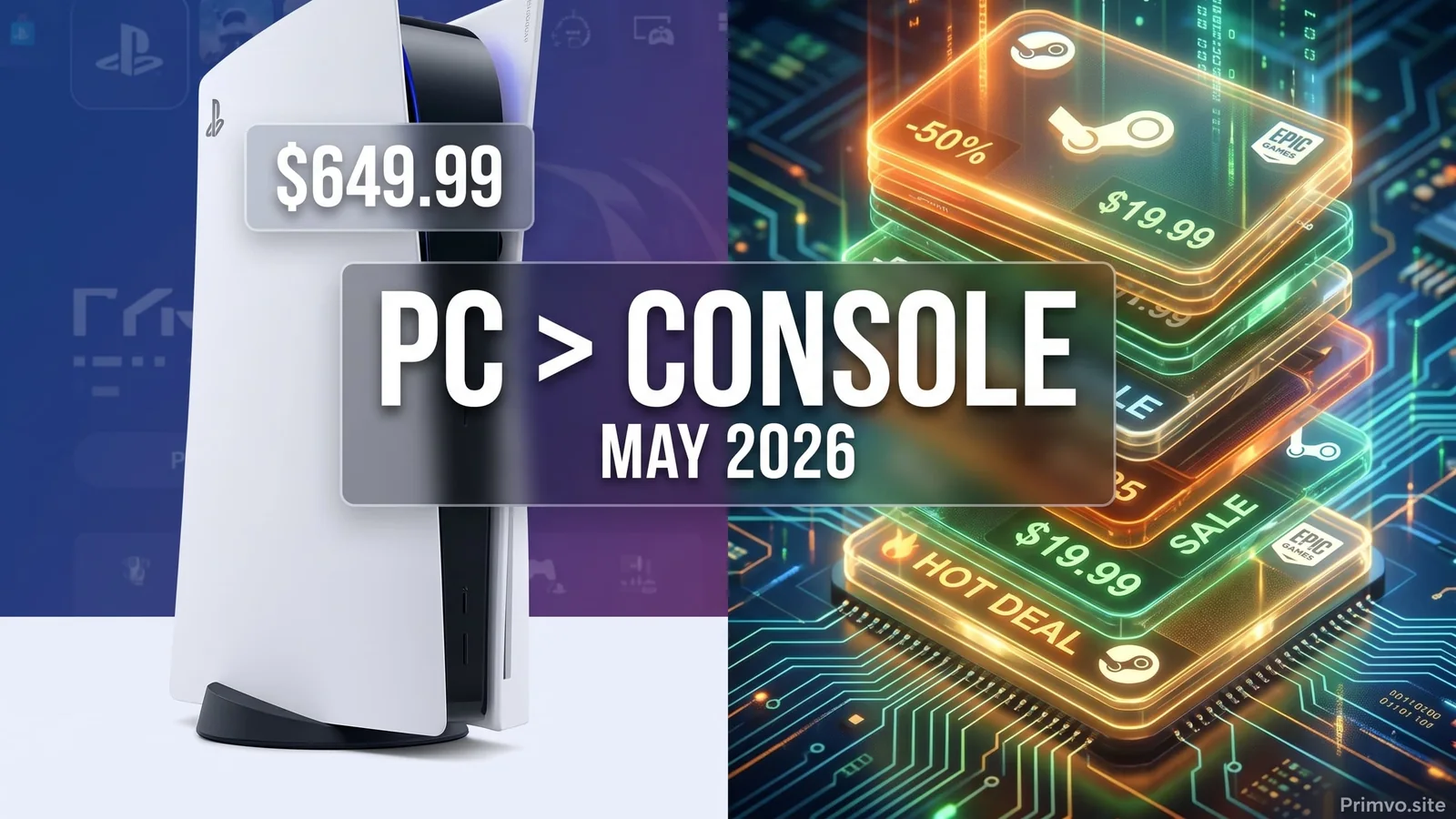
Best PC Game Deals Right Now: Beat the PS5 $649 Hike (May 2026)
Deals
Context
Game Deals
PS5 Price Hike
Steam Keys

Best PC Game Deals Right Now: Beat the PS5 $649 Hike (May 2026)

The PS5 just hit $649. The PS5 Pro is $899. Xbox Series X is $649.99. The math has officially flipped — for the first time in two console generations, buying digital game keys is genuinely the only way Tier-1 gamers can keep their hobby affordable. Here are the live deals worth your money this week, the ones to skip, and the smart purchase strategy for May 2026.

7 min read
Read full article about Best PC Game Deals Right Now: Beat the PS5 $649 Hike (May 2026)
Best Gaming Headsets for Warzone & Black Ops 7 (2026)
Gear
Context
Gaming Headset
Warzone
Black Ops 7

Best Gaming Headsets for Warzone & Black Ops 7 (2026)

Warzone Season 3 Reloaded just made footstep audio harder to read — Hot Pursuit's vehicle traffic, Prop Hunt's environmental noise, and Totenreich's directional Necropincer cues are exposing the limits of stock console headphones. Here are the seven gaming headsets that actually deliver the positional audio CoD demands in 2026, ranked by price tier and what each one does best.

9 min read
Read full article about Best Gaming Headsets for Warzone & Black Ops 7 (2026)
Assassin's Creed Hexe Loses 2nd Director in 2 Months (2026)
News
Context
Assassin's Creed
Ubisoft
AC Hexe

Assassin's Creed Hexe Loses 2nd Director in 2 Months (2026)

Assassin's Creed Codename Hexe just lost its second director in two months. Benoit Richer — a 24-year Ubisoft veteran — walked out to co-found indie studio Servo Games, joining Clint Hocking (creative director) and Marc-Alexis Côté (former franchise lead) at the exit door. Meanwhile, the Black Flag Resynced trailer leaked early and looked stunning. Here's what's actually happening inside Ubisoft — and what it means for the franchise.

8 min read
Read full article about Assassin's Creed Hexe Loses 2nd Director in 2 Months (2026)
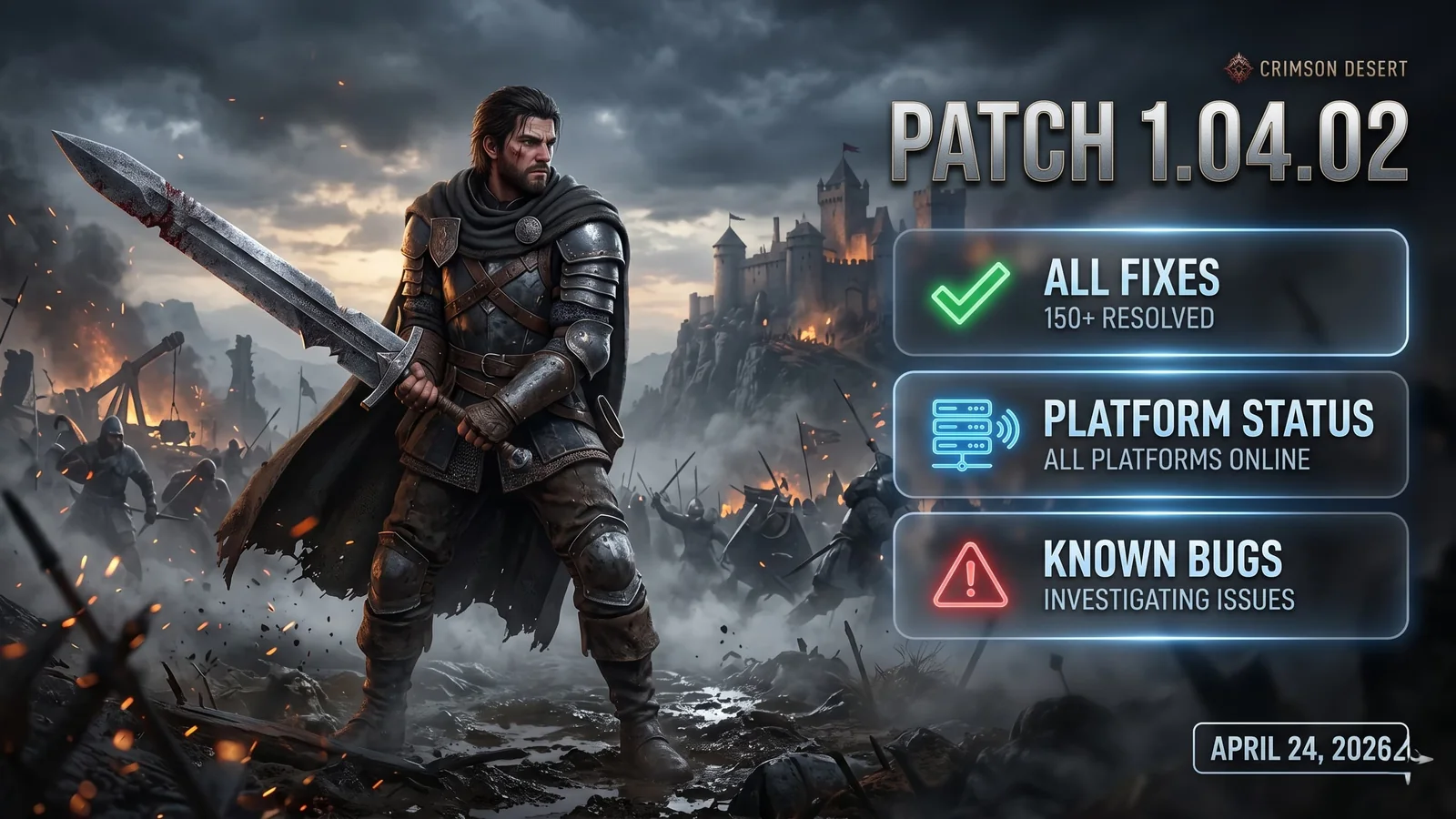
Crimson Desert Patch 1.04.02: All Fixes, Platform Status, and Known Remaining Bugs (April 24, 2026)
News
Context
Crimson Desert patch notes
Crimson Desert 1.04.02
Crimson Desert update April 2026

Crimson Desert Patch 1.04.02: All Fixes, Platform Status, and Known Remaining Bugs (April 24, 2026)

Pearl Abyss dropped a third patch in two days for Crimson Desert on April 24. Version 1.04.02 fixes difficulty selection bugs, PS5 Pro brightness issues, pet name errors, and more — but Xbox and Mac players are still waiting. Here are the complete notes plus every known bug that is still open.

3 min read
Read full article about Crimson Desert Patch 1.04.02: All Fixes, Platform Status, and Known Remaining Bugs (April 24, 2026)

Discovery map

Filter first, then follow the best next step

Use Everything for broad discovery, then move into a focused hub when you know whether you need games, news, guides, deals, or player tools.

Search PrimvoUse search when you already know the game, problem, offer, or topic you want.

Start with the page that matches your intent.

Use a tool or comparison before you buy, download, or wait.

Return to search when you need a specific game, error, or deal.

Continue Exploring

Use the next best path across the Primvo hub.

Public resource path

Use the map to move from discovery to a safer decision

The public map should help visitors move between tools, trackers, calendars, alerts, and safety pages without dead ends.

Check before acting
  • Start with the page that matches the decision: buy, wait, claim, subscribe, fix, or protect.
  • Use calendars and alerts for timing, not pressure.
  • Use safety tools before opening unfamiliar offer or giveaway links.
Safer next steps
  • Move from broad discovery to a task-specific tool.
  • Use related links to compare free, deal, and subscription options.
  • Save useful routes for return visits.

Primvo is a decision engine. Current prices, offers, account terms, and service catalogs should be verified at their source.

Public map

Use Primvo as a map of player decision resources

The public map connects players to tools, trackers, guides, deal decisions, subscription exits, free-game planning, status checks, and safety resources.

Why this page is useful to reference

Use this map when you need to find the right Primvo resource without going through news-style browsing first.

Start from the task, then confirm fast-changing details on the source page, store page, service page, or status page before acting.

Decision path

Each resource points to a useful next step such as check status, search a code, compare value, save an alert, or verify a claim window.

Safer action rules

The page separates what to check first from what to avoid first, especially around downloads, account details, and urgent deal language.

Freshness context

Readers get a reminder to recheck fast-moving prices, service libraries, claim windows, and outage signals before relying on them.

Use the map to choose the right resource, then recheck time-sensitive details on the page itself.